


Feeling lost with SEO? Let’s simplify it with ChatGPT.
Yes—ChatGPT can absolutely do keyword research, and it’s one of the fastest ways for a creative business owner to go from “I have no idea what to target” to a working keyword list in about 15 minutes. After 15+ years designing brands and websites—and selling 8,000+ Showit templates that live or die by search traffic—keyword research is something we do on nearly every project.
Recently, I was asked to teach an SEO session for a friend’s mastermind group, and it opened my eyes to something big—many creative entrepreneurs are completely in the dark when it comes to keyword research. They don’t know where they rank on Google or even what keywords to go after. So we decided to fix that.
In this blog post, you’ll learn:
- How to use ChatGPT to generate targeted keyword ideas
- Prompts for both service- and product-based businesses
- How to use location-based SEO strategies
- Tips for organizing and clustering your keywords
- How to brainstorm blog titles using your keywords
- Why long-tail keywords matter (and how to find them)
- How to avoid repeating the same keywords over and over
- How to uncover question-based search queries
Whether you sell Showit templates or photograph weddings in Annapolis, this tutorial will help you generate relevant keyword ideas that boost your visibility and help you sell more of what you do best.
Let’s dive in.
What is keyword research?
Keyword research is the process of figuring out the exact words and phrases your ideal clients type into Google when they’re looking for someone like you—so you can create content that shows up in those results. Think of it as the process of figuring out what your ideal clients are typing into Google when they’re looking for someone like you. It’s like eavesdropping (in a totally ethical way) on the questions your people are already asking online.
At its core, keyword research helps you:
- Understand your audience better—what they need, what they’re searching for, and how they’re asking for it.
- Create content that gets found—blog posts, website copy, product pages, and even social captions that are optimized for visibility.
- Rank higher in search engines, like Google, which leads to more traffic and potentially more sales.
Here’s the thing: SEO isn’t about gaming the algorithm. It’s about serving your people well. And if someone is searching for “newborn photographer near Monticello” and you’ve written a blog post with that phrase in the title? You’re not just guessing—you’re showing up where it counts.
In this post, we’re going to walk through how to do this kind of research using ChatGPT, so you can skip the overwhelm and get straight to the gold.
Why Keyword Research Matters
Keyword research matters because it’s the difference between publishing content you hope gets found and publishing content built around what your audience is actually searching for. SEO isn’t just about using fancy words on your site—it’s about understanding what your audience is actually searching for and making sure your content answers those questions. Keyword research helps you:
- Create content your audience wants to read
- Rank in search engines (hello, Google traffic!)
- Increase visibility and sales for your digital or service-based business
Step 1: Tell ChatGPT About Your Business
Use this prompt:
“I am a [your profession]. I serve clients [location or globally]. My revenue comes from [ product sales/services/both]. Help me generate 25 keyword ideas.”
Examples:
- Showit website template designer for photographers
- Wedding photographer serving Annapolis, MD
- Interior designer in New York City
ChatGPT will use this info to generate a list of keyword ideas tailored to your business and location.

Step 2: Spot Commercial Intent
Not all keywords are created equal. Some phrases show that the user is ready to buy (like “best Showit templates for photographers”) while others are more informational (like “how to use Showit for photographers”).
Use commercial keywords on product pages and service pages. Use informational ones in blog posts.

Step 3: Turn Keywords into Blog Post Ideas
Once you have your keyword list, use this prompt: “Create blog post titles using the following keywords: [paste your keywords]”
For example, keywords like “newborn photographer Charlottesville VA” can turn into:
- “Newborn Photography at Monticello: What to Expect”
- “5 Must-Have Poses for Charlottesville Newborn Sessions”
Even if some titles feel awkward, use them as springboards for your own creativity.
Step 4: Use Question-Based Keywords
Sometimes, people type full questions into Google. That’s where this prompt comes in: “What are some question-based keywords related to [your topic]?”
For a photographer in Lexington, ChatGPT might return:
- “Do photographers in Lexington offer black and white portraits?”
- “Where are the best outdoor photo locations in Lexington, VA?”
These make amazing blog content or FAQ sections.

Step 5: Find Long-Tail Keyword Gold
Prompt: “Generate a set of long-tail keywords for [main keyword]”
Instead of just “maternity photographer,” you might get:
- “best maternity photographer in Annapolis MD for outdoor shoots”
- “affordable maternity sessions with dresses included in Maryland”
These detailed phrases are easier to rank for and bring in buyers who know exactly what they want.
Step 6: Group Keywords into Clusters
Once you have a bunch of keywords, ask ChatGPT: “Group these keywords into topic clusters.”
This helps you:
- Plan content more efficiently
- Create silo structures on your site
- Avoid repeating the same keywords over and over
Step 7: LSI Keywords & Supporting Phrases
Prompt: “What LSI keywords should I use when targeting [main keyword]?”
LSI (Latent Semantic Indexing) keywords are supporting terms that help search engines understand the topic.
If you’re targeting “interior design NYC,” ChatGPT might suggest:
- Manhattan loft interiors
- Brooklyn modern design
- small space makeover ideas
These naturally support your SEO while keeping content human-friendly.
Step 8: Store & Reuse Your Keywords
Once you’ve got your keyword goldmine, store it somewhere easy:
- Google Docs
- Notion
- Notes app
- Airtable or Trello boards
Use these as a reference for future blog posts, service pages, and site updates.
Can ChatGPT Replace Tools Like Ahrefs and SEMrush?
ChatGPT can’t fully replace tools like Ahrefs or SEMrush, because it doesn’t pull live search-volume or keyword-difficulty data—it brainstorms based on patterns, it doesn’t validate. Here’s the honest breakdown: ChatGPT is excellent at generating ideas—keyword lists, long-tail variations, question-based phrases, topic clusters, and blog titles. What it can’t do is tell you how many people search a term each month or how hard it is to rank. For creatives just getting started, that’s usually fine—the ideas are the hard part. If you want to confirm volume later, drop your best keywords into a free tool like Google Keyword Planner or Ubersuggest. And you don’t need a paid plan: the free version of ChatGPT handles everything in this tutorial.
Final Thoughts: Keyword Research Doesn’t Have to Be Complicated
If SEO has ever felt overwhelming or overly technical, you’re not alone—but it doesn’t have to stay that way. With a few strategic prompts and a bit of creativity, ChatGPT can help you uncover powerful keywords that not only boost your visibility but connect you with the right people.
Here’s what we covered:
- Keyword research is about understanding how your audience searches—and showing up where they’re already looking.
- You don’t need expensive tools to get started. ChatGPT can generate keyword ideas, blog titles, long-tail phrases, and question-based queries in minutes—you only need a paid research tool later if you want to confirm exact search volume.
- Getting specific (like targeting local towns or niche services) can help you stand out in a crowded space.
- Organizing your keywords into clusters and using them strategically across your website builds long-term SEO momentum.
- Blogging with keywords in mind doesn’t mean losing your voice—it means being intentional with the value you’re already creating.
Whether you’re a designer, photographer, or creative entrepreneur, this approach is about making SEO approachable, doable, and even (dare we say) fun.
So go ahead—open a doc, fire up ChatGPT, and start turning those keyword ideas into content that connects.
If you want the full system we use—the exact SEO and selling workflows behind our own site—that’s what we teach inside our SEO courses and our free “How to Show Up in AI Searches” class.
Frequently Asked Questions
Can ChatGPT do keyword research?
Yes. ChatGPT generates targeted keyword ideas, long-tail phrases, question-based queries, and topic clusters in minutes when you give it your profession, location, and revenue model.
Is ChatGPT good for SEO?
ChatGPT is very good for the ideation side of SEO—keywords, titles, clusters, and content drafts—but it doesn’t replace on-page optimization or live search data.
Do I need a paid ChatGPT plan for keyword research?
No. The free version of ChatGPT handles every prompt in this guide.
What’s the best ChatGPT prompt for keyword research?
Start with your business context: “I am a [profession]. I serve clients [location]. My revenue comes from
-
SEO Landing Page
$99.00 Select options This product has multiple variants. The options may be chosen on the product page -
Bellagio Showit Website Template
From: $250.00 / month for 3 months Select options This product has multiple variants. The options may be chosen on the product page -
Cassis: Wedding Pricing Page
$129.00 Add to cart -
Wedding Collection Guide
$129.00 Add to cart -

Website Launch Plan
$297.00 Add to cart -
Designer Collection Guide
$129.00 Select options This product has multiple variants. The options may be chosen on the product page -
Barcelona Showit Website Template
From: $250.00 / month for 3 months Select options This product has multiple variants. The options may be chosen on the product page -

Saint-Tropez Showit Website Template
From: $250.00 / month for 3 months Select options This product has multiple variants. The options may be chosen on the product page -

Print Product Sales Page
Price range: $99.00 through $149.00 Select options This product has multiple variants. The options may be chosen on the product page -
St. Vincent Showit Website Template
From: $250.00 / month for 3 months Select options This product has multiple variants. The options may be chosen on the product page -

Amelia Island Showit Website Template
From: $225.00 / month for 3 months Select options This product has multiple variants. The options may be chosen on the product page -
Cassis: Portrait Pricing Page
$129.00 Add to cart -

St. Ives Showit Website Template
From: $250.00 / month for 3 months Select options This product has multiple variants. The options may be chosen on the product page -

Canva Brand: Ruby Rhode
$229.00 Add to cart -

Canva Brand: Sienna Wilde
$229.00 Add to cart -

Canva Brand: Celeste Arden
$229.00 Add to cart -

Canvas Bundle No 1
$149.00 Add to cart -

Edisto Showit Website Template
From: $250.00 / month for 3 months Select options This product has multiple variants. The options may be chosen on the product page -

Clearwater Landing Page
$119.00 Select options This product has multiple variants. The options may be chosen on the product page -

Availa WooCommerce Shop Add On Page
$179.00 Select options This product has multiple variants. The options may be chosen on the product page -

Napoli Pricing Page
$129.00 Select options This product has multiple variants. The options may be chosen on the product page -
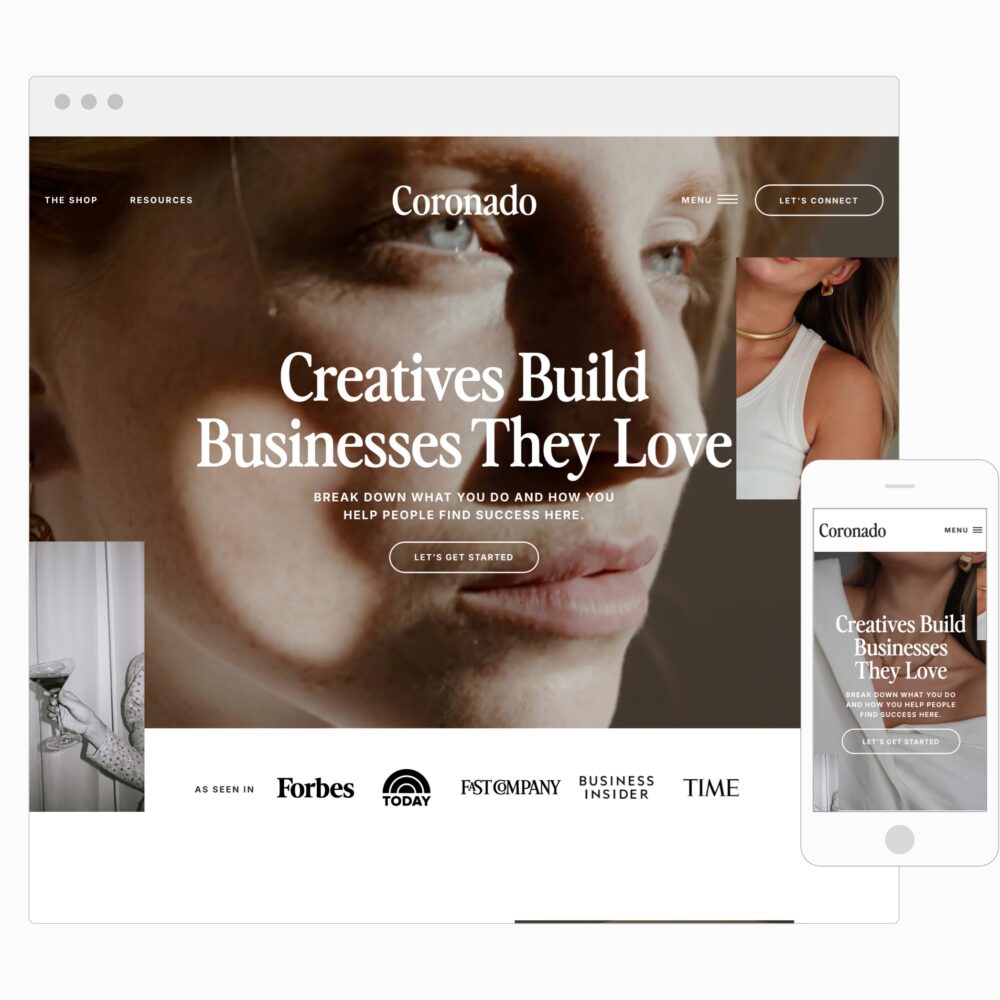
Coronado Showit Website Template
From: $250.00 / month for 3 months Select options This product has multiple variants. The options may be chosen on the product page -

Canva Brand: Everly Gray
$229.00 Add to cart -

Canva Brand: Brette Bloom
$229.00 Add to cart -

Canva Brand: Remington Hart
$229.00 Add to cart -

Lead Magnet Template (Canva)
$129.00 Add to cart -
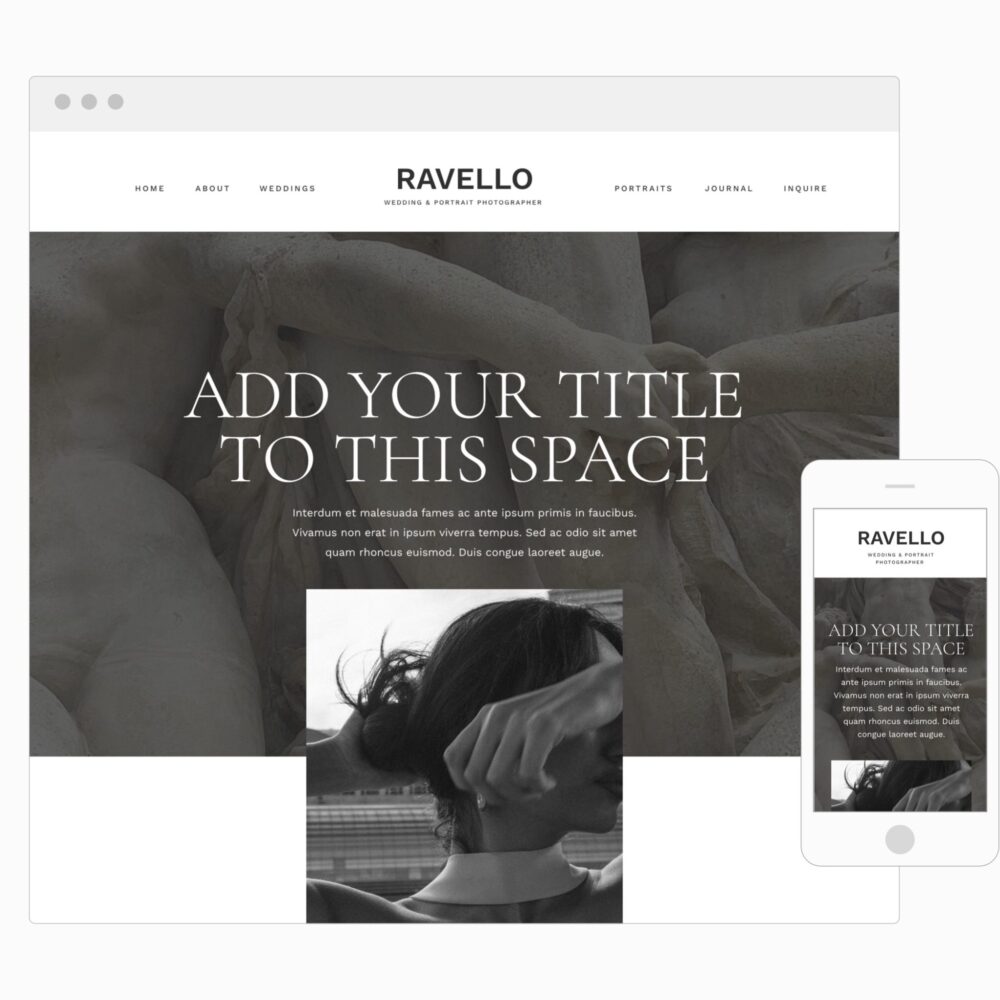
Ravello Showit Website Template
$149.00 Add to cart -
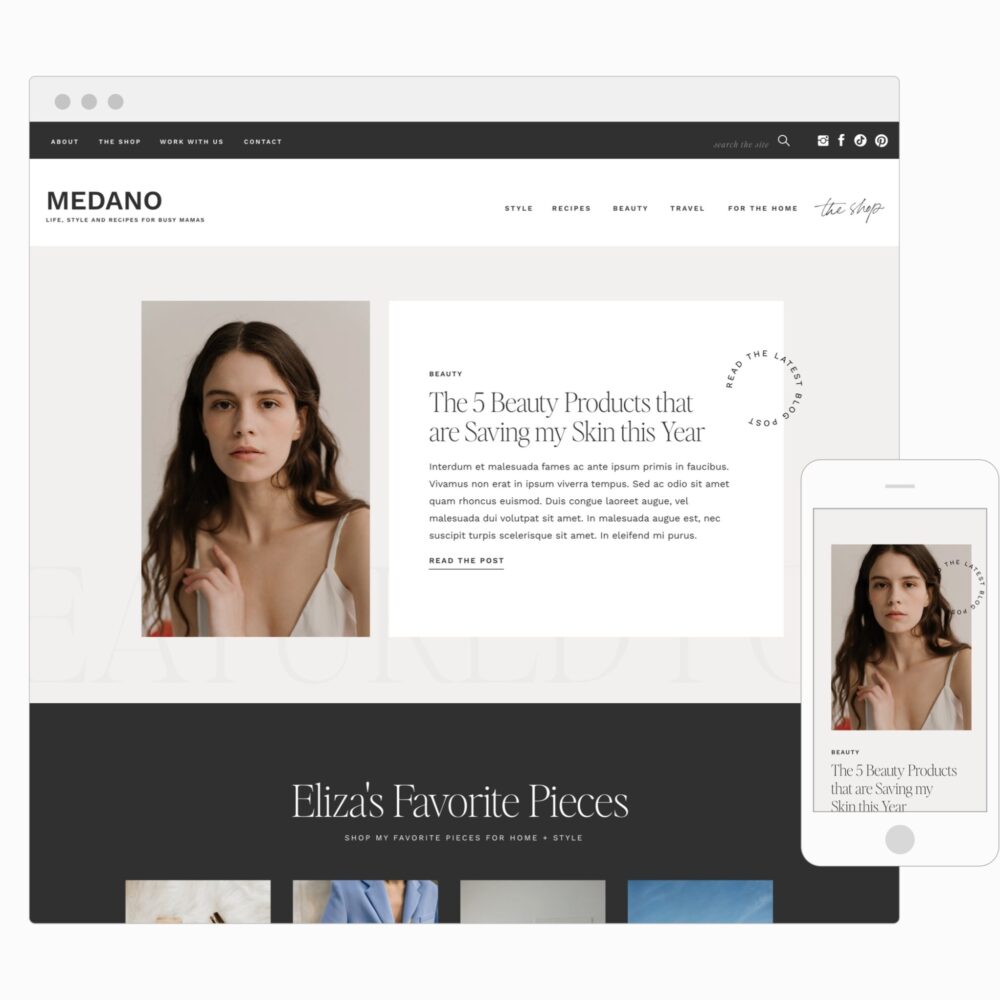
Medano Showit Website Template
From: $250.00 / month for 3 months Select options This product has multiple variants. The options may be chosen on the product page -

Canva Brand: Ruth Olive
$229.00 Add to cart -
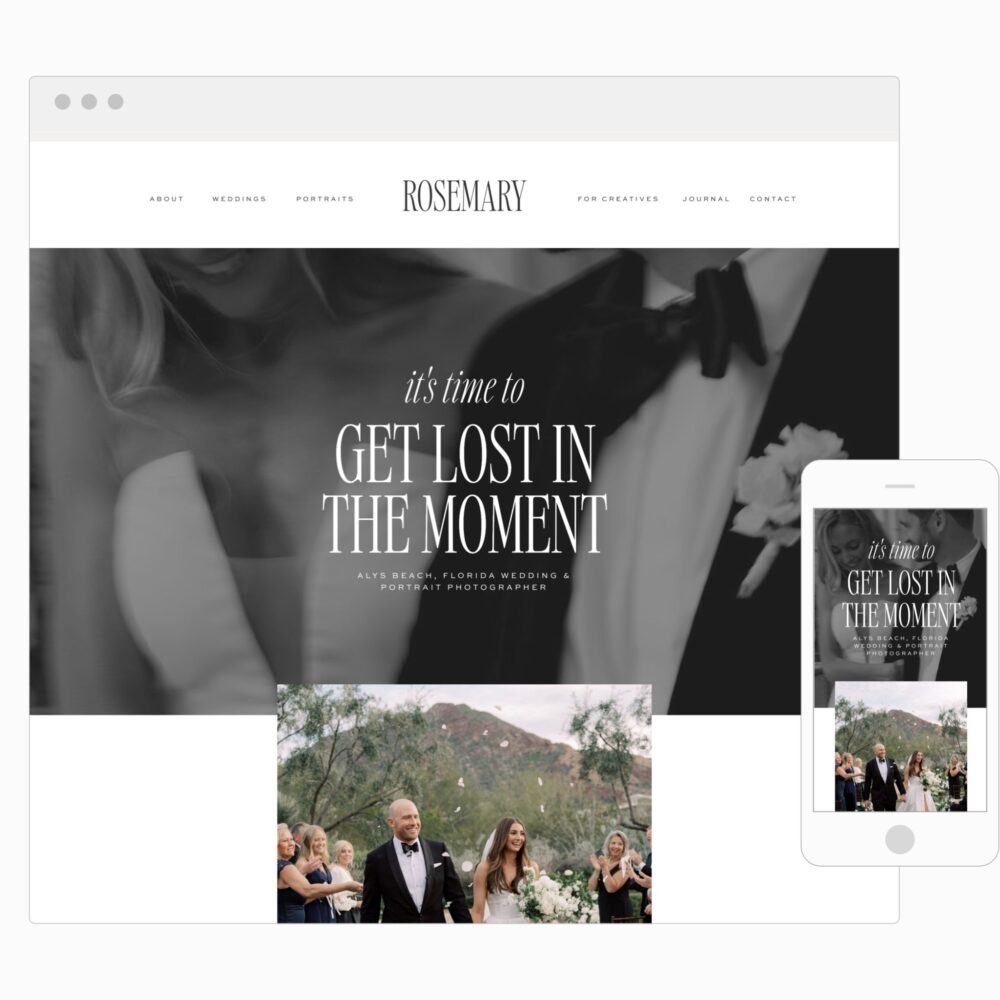
Rosemary Showit Website Template
From: $250.00 / month for 3 months Select options This product has multiple variants. The options may be chosen on the product page -

Canva Brand: Faye Poppy
$229.00 Add to cart -

Canva Brand: Opal Lou
$229.00 Add to cart -

Canva Brand: Goldie June
$229.00 Add to cart -

Canva Brand: Wren Mable
$229.00 Add to cart -
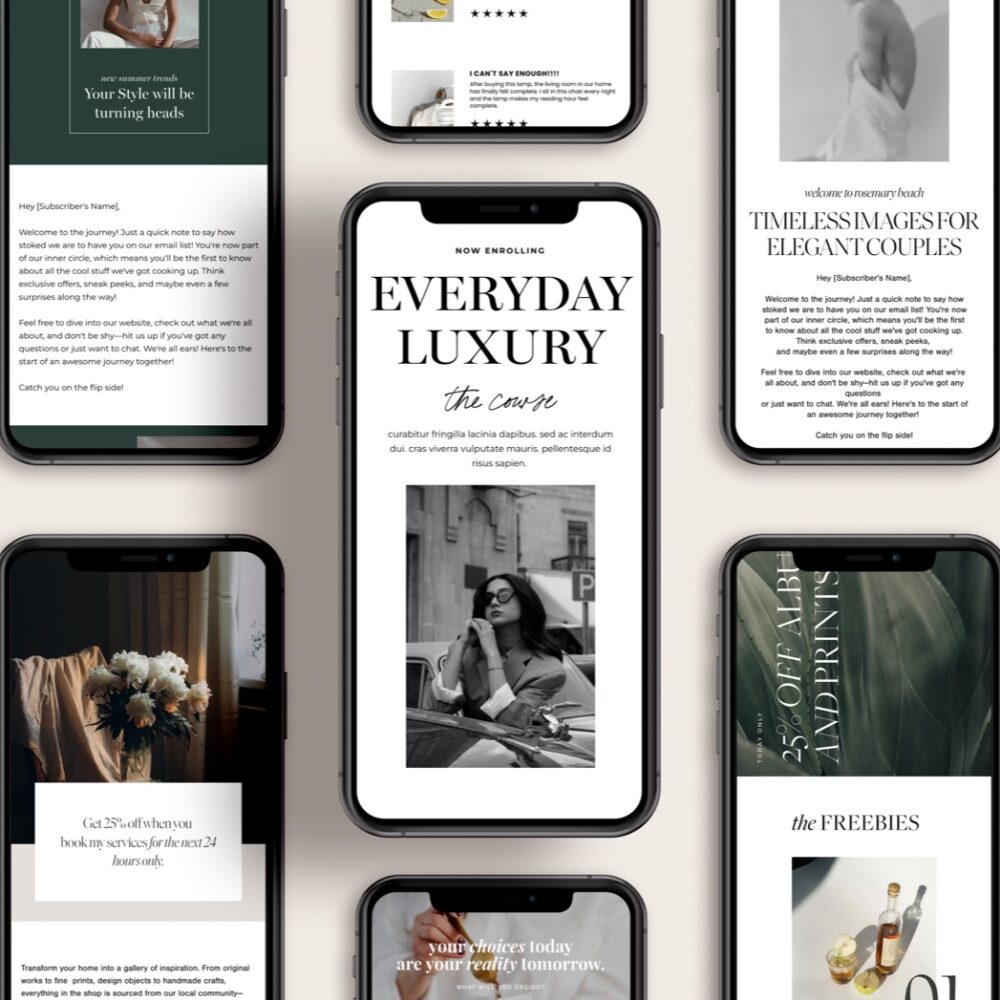
Flodesk Email Templates
$129.00 Add to cart -
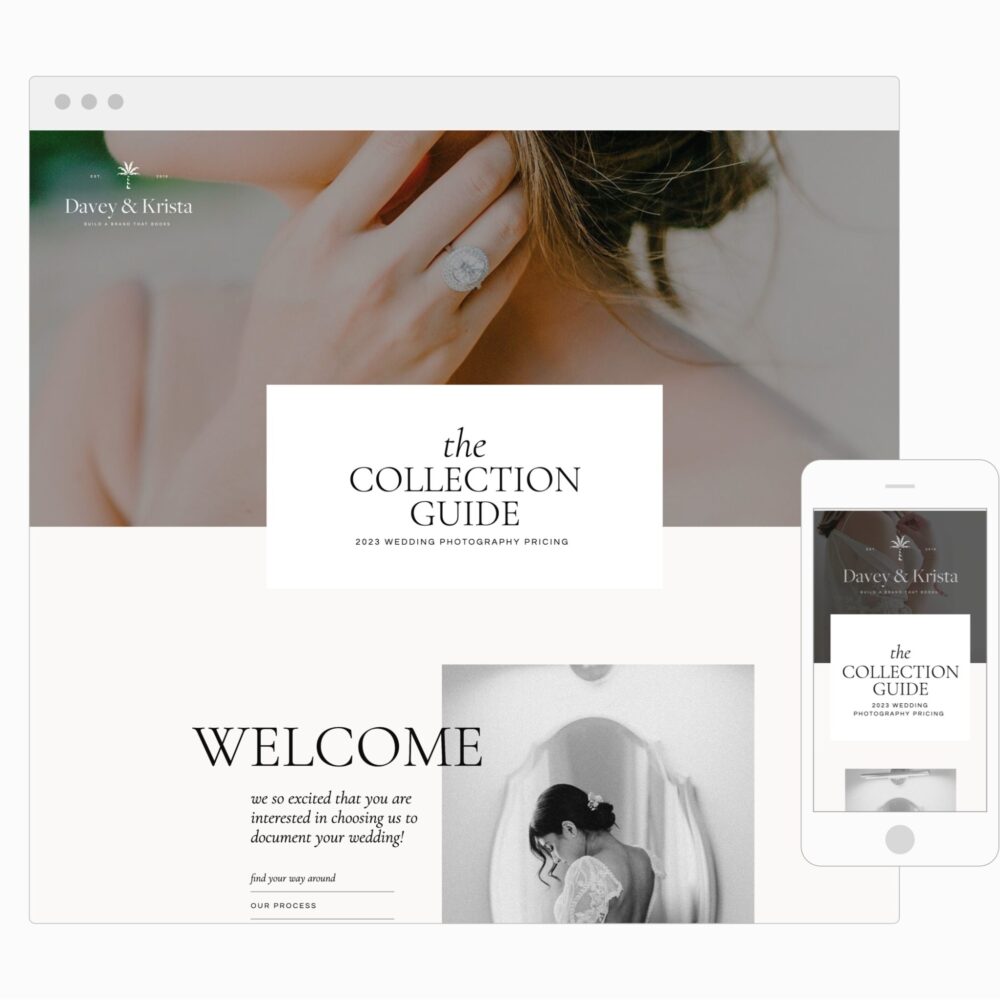
Charleston Pricing Page
$129.00 Select options This product has multiple variants. The options may be chosen on the product page -

Grow a Profitable Email List (fast!)
$397.00 Add to cart -
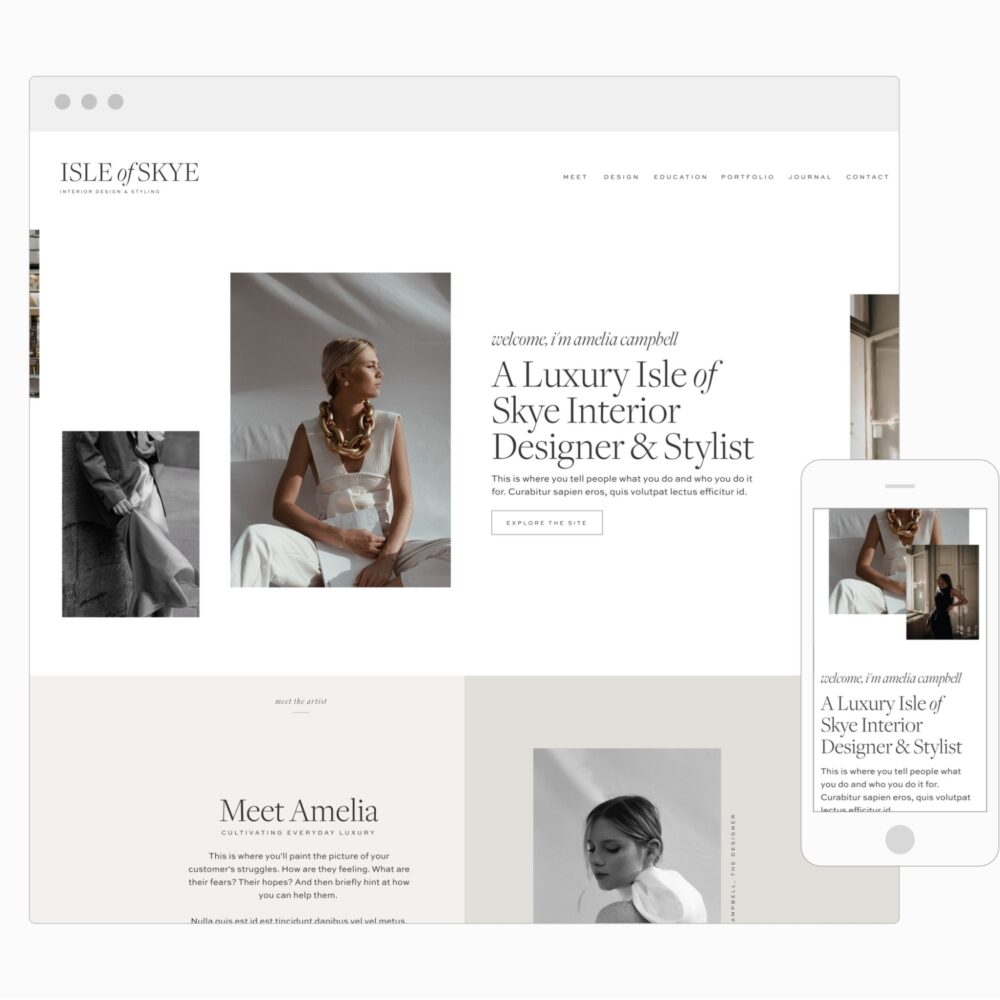
Isle of Skye Showit Website Template
From: $250.00 / month for 3 months Select options This product has multiple variants. The options may be chosen on the product page -
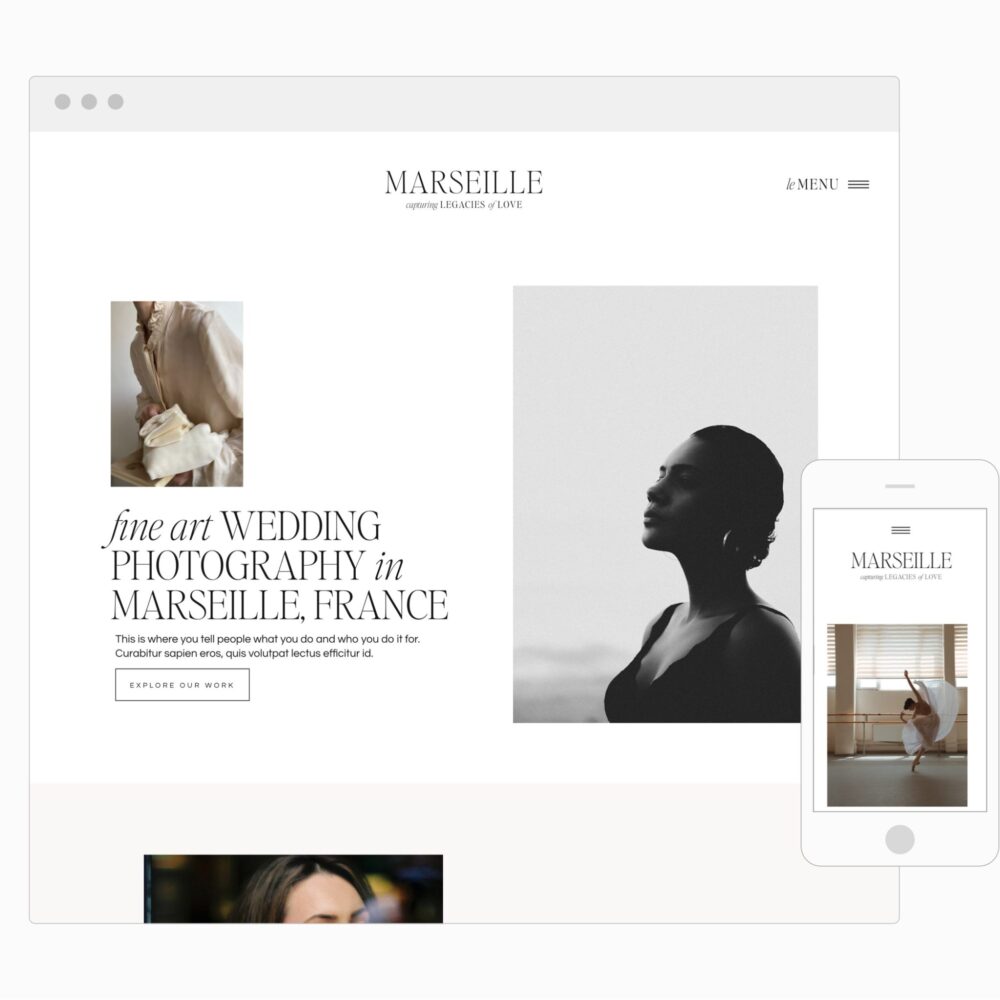
Marseille Showit Website Template
From: $250.00 / month for 3 months Select options This product has multiple variants. The options may be chosen on the product page -

Canva Social Media Graphics
$129.00 Add to cart -

Canva Brand: Andi Sloane
$229.00 Add to cart -

Canva Brand: Paloma Ivy
$229.00 Add to cart -

Canva Brand: Juniper Nelle
$229.00 Add to cart -

Canva Brand: Clementine Della
$229.00 Add to cart -
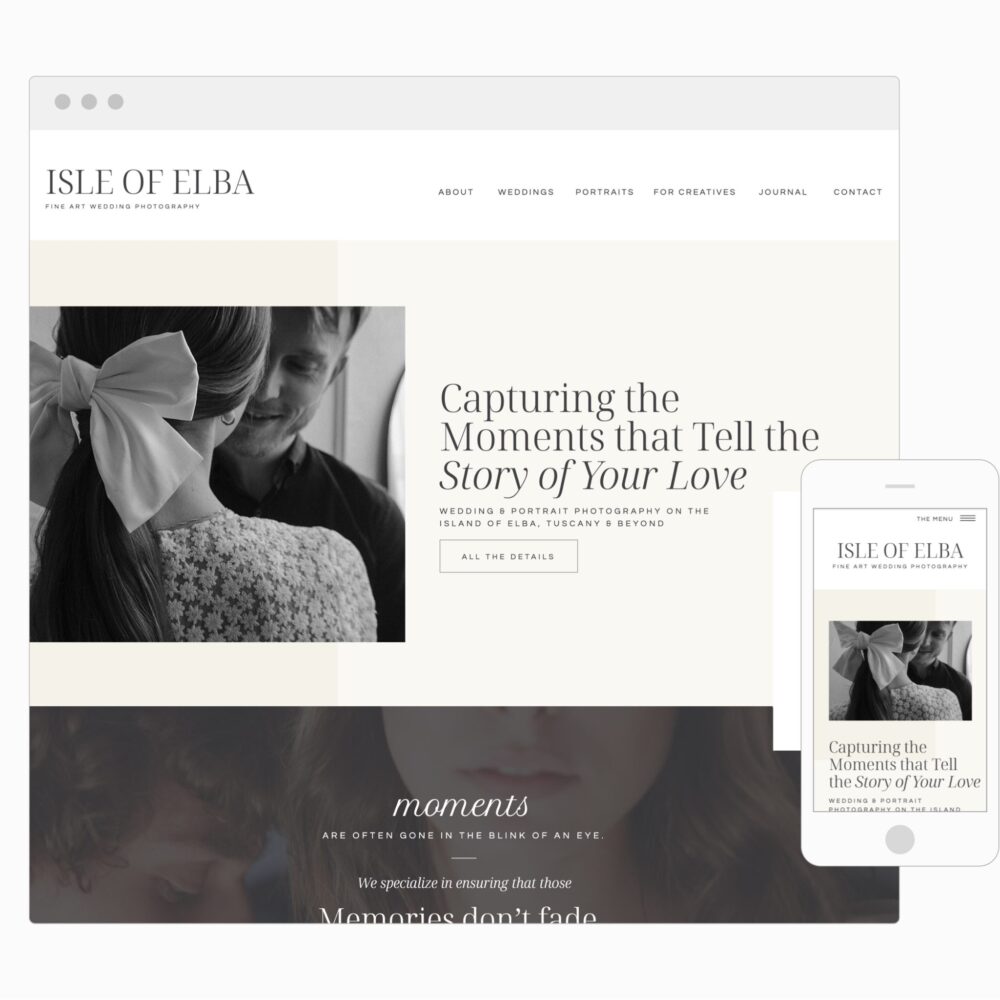
Elba Island Showit Website Template
From: $225.00 / month for 3 months Select options This product has multiple variants. The options may be chosen on the product page -

Palm Springs Showit Website Template
From: $225.00 / month for 3 months Select options This product has multiple variants. The options may be chosen on the product page -
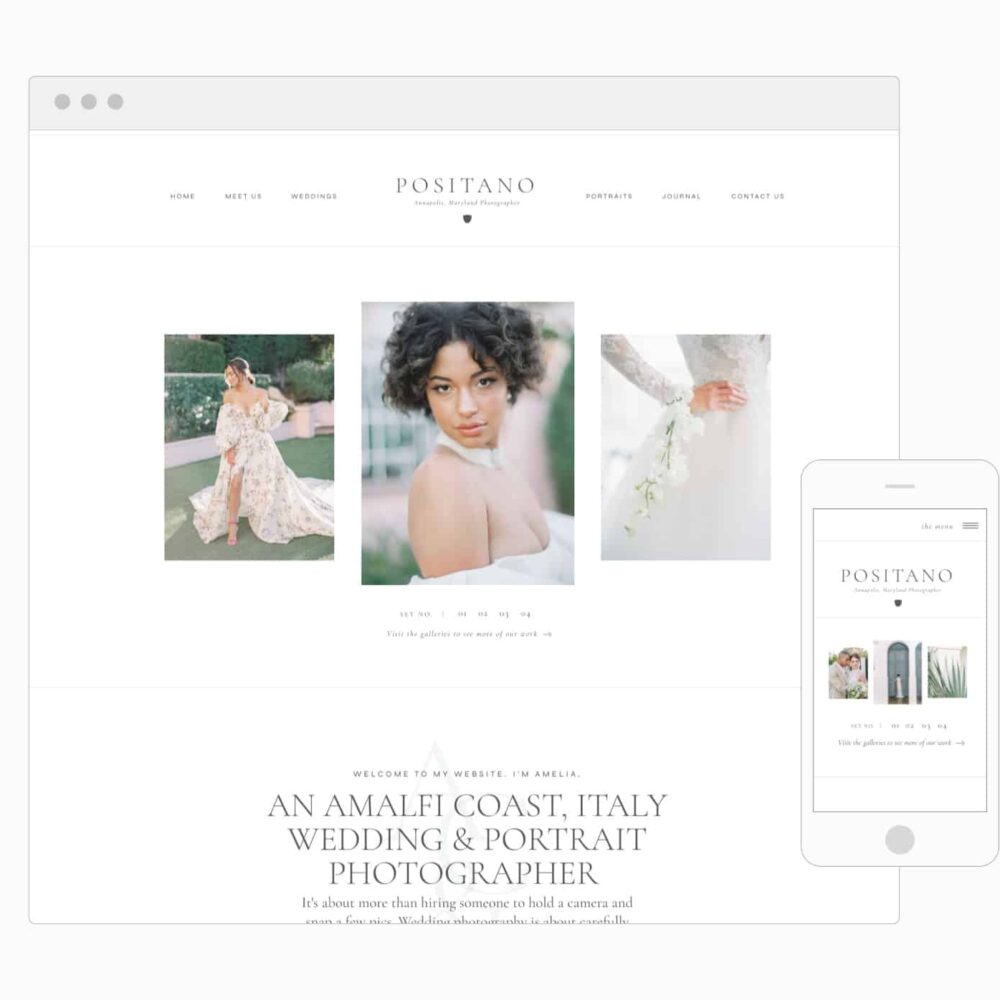
Positano Showit Website Template
From: $225.00 / month for 3 months Select options This product has multiple variants. The options may be chosen on the product page -

St Jean Showit Website Template
From: $190.00 / month for 3 months Select options This product has multiple variants. The options may be chosen on the product page -
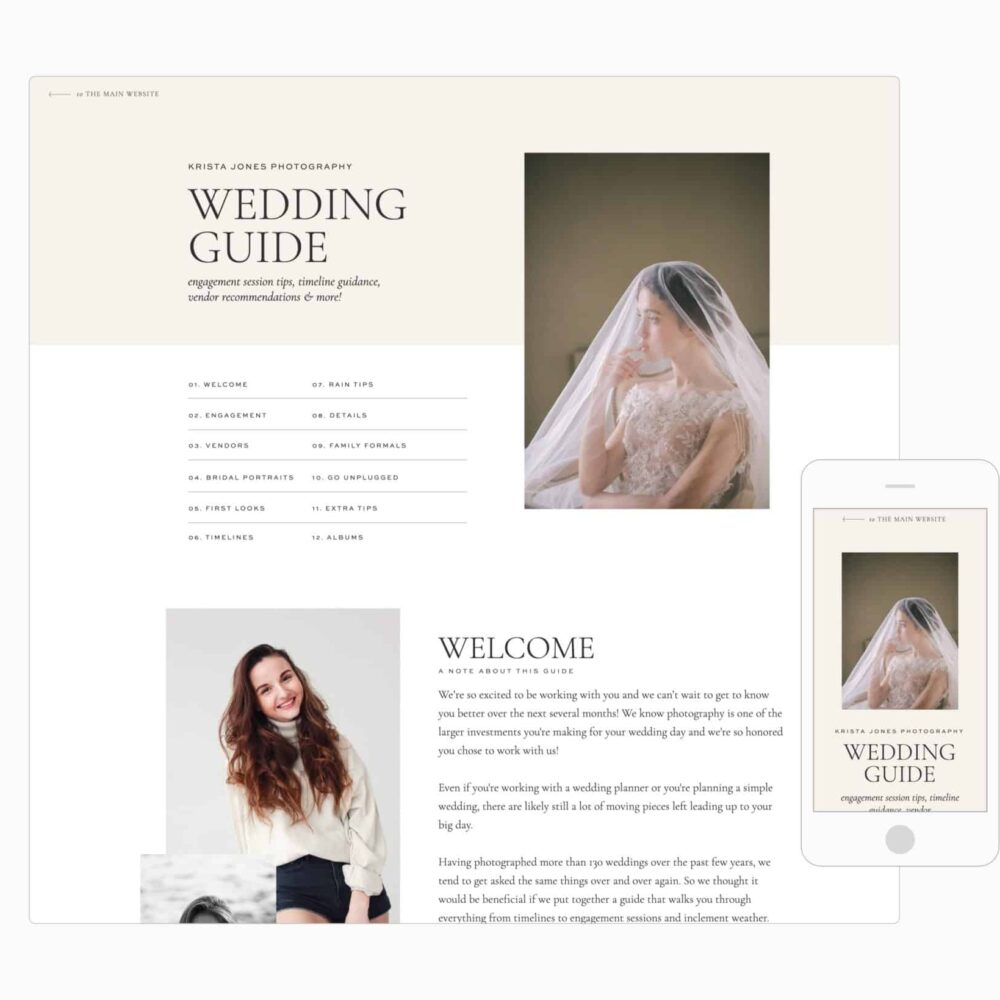
Wedding Guide
Price range: $129.00 through $229.00 Select options This product has multiple variants. The options may be chosen on the product page -
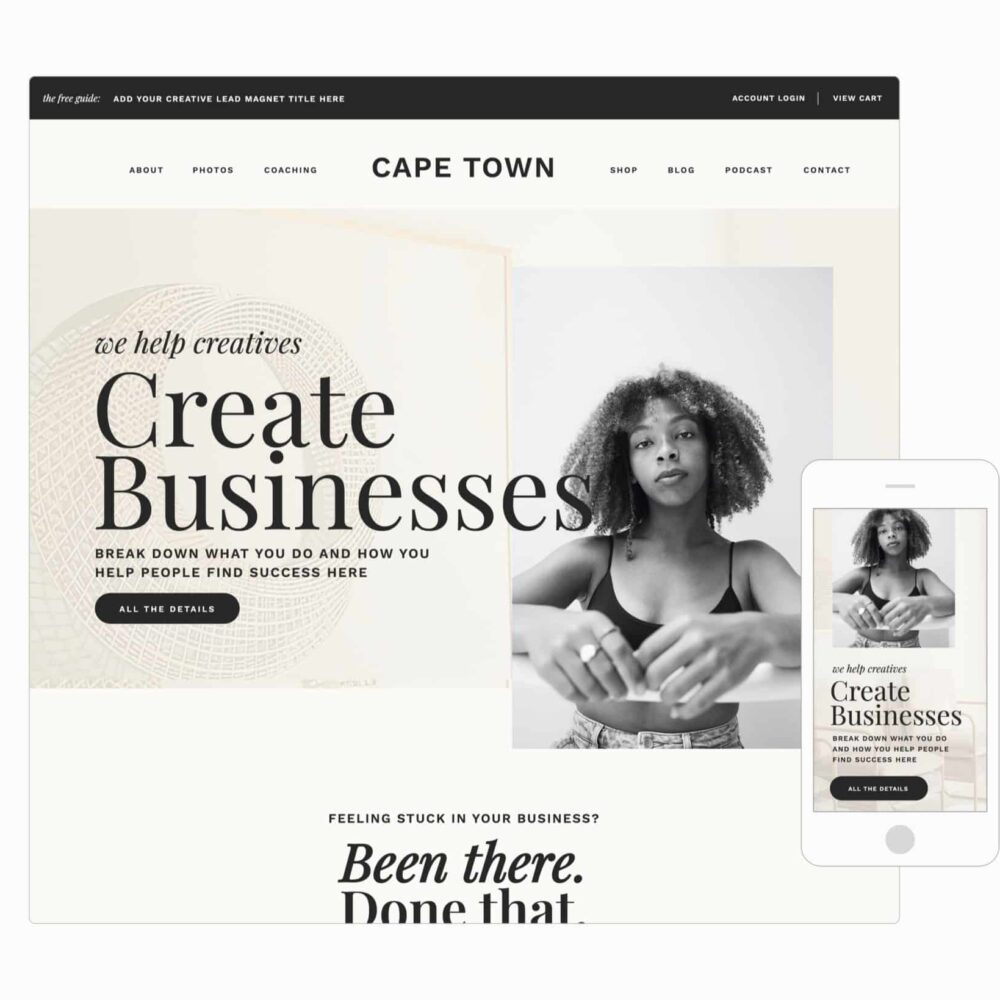
Cape Town Showit Website Template
From: $250.00 / month for 3 months Select options This product has multiple variants. The options may be chosen on the product page -
Vendor Guide (Canva)
$99.00 Add to cart -
Album Sales Guide (for Canva)
$99.00 Select options This product has multiple variants. The options may be chosen on the product page -
Family Portrait Session Guide (for Canva)
$179.00 Add to cart -
Wedding Guide (for Canva)
$129.00 Add to cart -
Engagement Guide (for Canva)
$129.00 Add to cart -
Charleston Pricing Guide (for Canva)
$129.00 Select options This product has multiple variants. The options may be chosen on the product page -

Canva Brand: Will & Isla
$229.00 Add to cart -
Meta Ad Template (Canva)
$49.00 Add to cart -

Canva Brand: Cannon Hall
$229.00 Add to cart -

Canva Brand: Kenillworth
$229.00 Add to cart -

Pricing Page
$129.00 Select options This product has multiple variants. The options may be chosen on the product page -
Family Portrait Session Guide
$179.00 Select options This product has multiple variants. The options may be chosen on the product page -

Captiva Island
$149.00 Select options This product has multiple variants. The options may be chosen on the product page -

La Pelosa Showit Website Template
From: $225.00 / month for 3 months Select options This product has multiple variants. The options may be chosen on the product page -

Album Sales Template
$99.00 Select options This product has multiple variants. The options may be chosen on the product page -
Cove Showit Website Template
From: $225.00 / month for 3 months Select options This product has multiple variants. The options may be chosen on the product page -
Cape Town Sales Page
$129.00 Select options This product has multiple variants. The options may be chosen on the product page -
Vendor Guide
$99.00 Select options This product has multiple variants. The options may be chosen on the product page -
Stonefield Podcast Template
Price range: $129.00 through $249.00 Select options This product has multiple variants. The options may be chosen on the product page -
Tools & Resources Page
$99.00 Select options This product has multiple variants. The options may be chosen on the product page -
Engagement Guide
$129.00 Select options This product has multiple variants. The options may be chosen on the product page -
Webinar Registration Page
$49.00 Select options This product has multiple variants. The options may be chosen on the product page
Can ChatGPT replace tools like Ahrefs or SEMrush?
Not fully. ChatGPT brainstorms ideas but doesn’t provide live search volume or keyword difficulty; pair it with a free tool like Google Keyword Planner to validate.
How accurate are ChatGPT’s keyword suggestions?
They’re strong for relevance and direction but should be treated as a starting point, not verified data—confirm search volume before betting a whole content plan on a term.
How do I find long-tail keywords with ChatGPT?
Use the prompt “Generate long-tail keywords for [main keyword]” to get specific, lower-competition phrases that attract buyers who know what they want.
Can ChatGPT find question-based keywords?
Yes. Ask “What are some question-based keywords related to [your topic]?”—these make excellent blog posts and FAQ sections.
How do I turn ChatGPT keywords into blog posts?
Paste your keyword list and prompt “Create blog post titles using these keywords,” then use the results as springboards for your own content.

Krista is the co-founder of Davey & Krista, a creative studio known for high-converting Showit website templates crafted for photographers, creatives, and entrepreneurs. With over 15 years of branding and marketing experience, she helps business owners launch stunning websites without the tech overwhelm. Krista also teaches designers how to turn their creative skills into a thriving business—through templates, courses, and behind-the-scenes strategy. When she’s not designing, you’ll find her chasing sunshine, color palettes, and gluten-free pizza.
Explore website templates and free resources at daveyandkrista.com.


VIEW THE COMMENTS
Add A Comment