


Table of Contents
Running a creative business means making a lot of decisions about tools.
Which platform do you build your website on? How do you manage clients? Where does your email list live? How do you keep projects from falling through the cracks?
There’s no shortage of options, and the noise around this stuff is real. So here’s our actual creative software tech stack for 2026: every tool, what it does, and why it’s worth the investment for a creative business like yours.
No filler. These are the tools we’d reach for again if we had to start over.
Why Your Creative Software Tech Stack Actually Matters
The goal isn’t to have more tools. It’s to have the right ones.
A bloated creative software tech stack is one of the fastest ways to burn time, money, and mental energy in a creative business. Every tool you add is something to learn, maintain, pay for, and integrate. The businesses that run smoothly aren’t running on twenty apps. They’re running on six or seven really good ones that talk to each other.
That’s what we’ve tried to build. Here’s what it looks like.
The Website: Showit
If you’ve spent any time around Davey & Krista, you already know this one.
Showit is the foundation of our entire online presence, and it’s been part of our creative software tech stack since before we were selling templates. It’s a drag-and-drop website builder that runs on a WordPress backend, which means you get total design freedom on the front end and WordPress’s powerful blogging and SEO infrastructure on the back end.
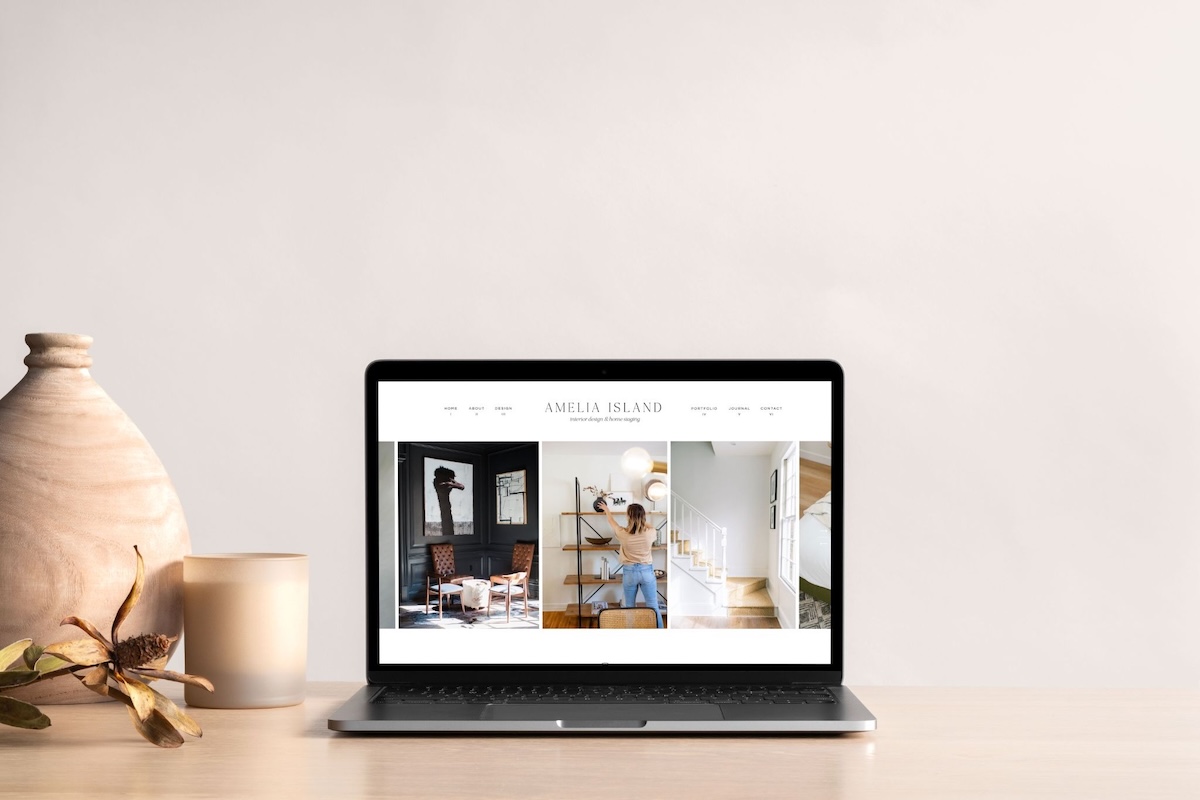
For a creative business where visual presentation is everything, there is no better platform. You design your desktop and mobile layouts independently, every element goes exactly where you want it, and nothing looks like a template unless you want it to.
It’s also what we build all of our templates on, which means we know it inside and out. If you want to try it, you can get 30 days free through our link, no credit card required.
Client Management: Dubsado
Dubsado is our CRM, and it handles the entire client-facing side of our business: inquiry forms, proposals, contracts, invoices, and automated workflows.
With Dubsado, a new inquiry triggers a workflow that sends a welcome email, a questionnaire, a proposal, and a contract without manually touching a thing.
Once it’s built, it runs on its own, and that’s exactly what you want from a tool in your creative software tech stack. You build it once and it works for you every time after that.
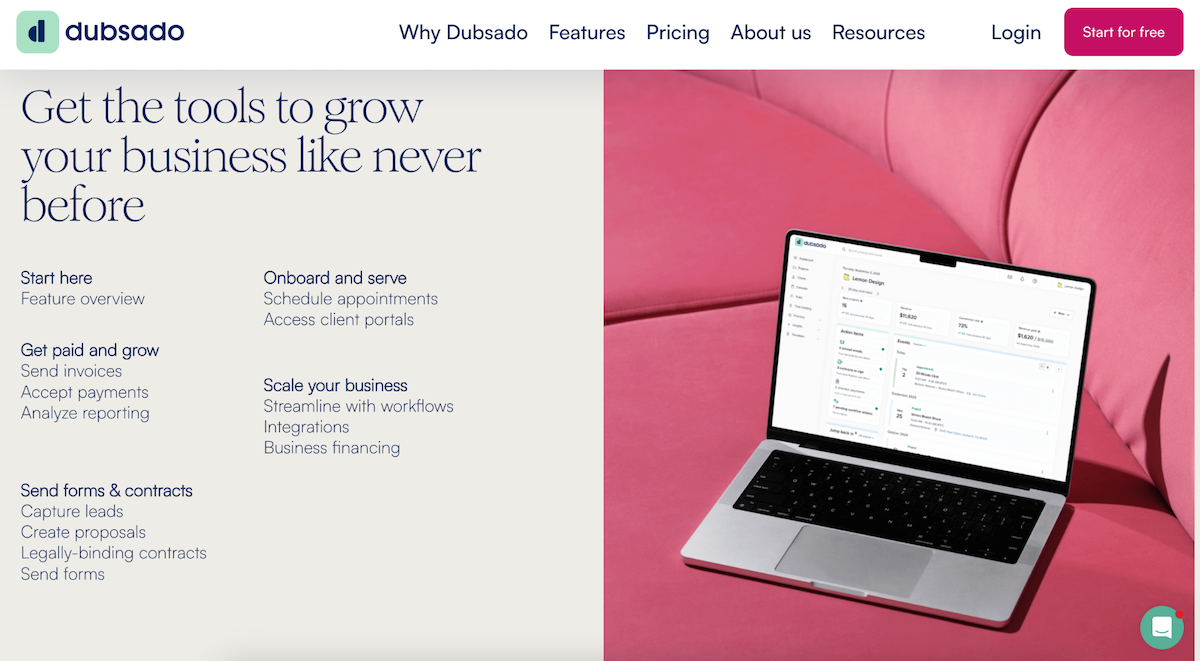
It’s especially strong for designers, photographers, and any creative service provider who has a multi-step onboarding process. If you’re still managing clients through your inbox, Dubsado is the upgrade that will change how your business feels to run.
Email Marketing: Kit
Kit (formerly ConvertKit) is built for creators running content-driven businesses. It’s where we manage our newsletter list, set up automations based on subscriber behavior, and segment our audience by interest. If you’re building an email list that connects to a course, a product, or a content strategy, Kit is purpose-built for that. The tagging and automation logic is powerful without being overcomplicated, and it’s designed to grow with you.
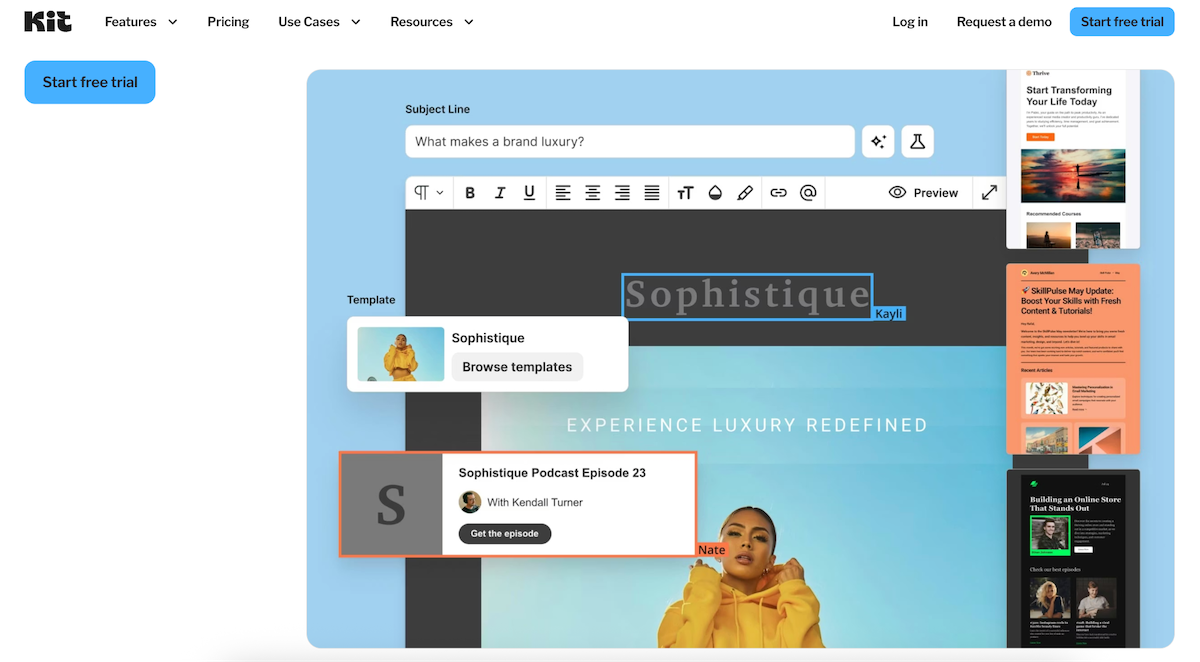
The right one for your creative software tech stack depends on what your email strategy actually looks like.
Course Platform: Kajabi
If you’re selling digital education, courses, or memberships, you need a platform that handles all of it in one place: course hosting, checkout, student experience, and community. That’s Kajabi.
We host our courses on Kajabi because it keeps the student experience clean and professional from the moment someone purchases to the moment they complete the course. Everything lives in one place. There’s no patching together a course plugin, a payment processor, and a separate community tool.
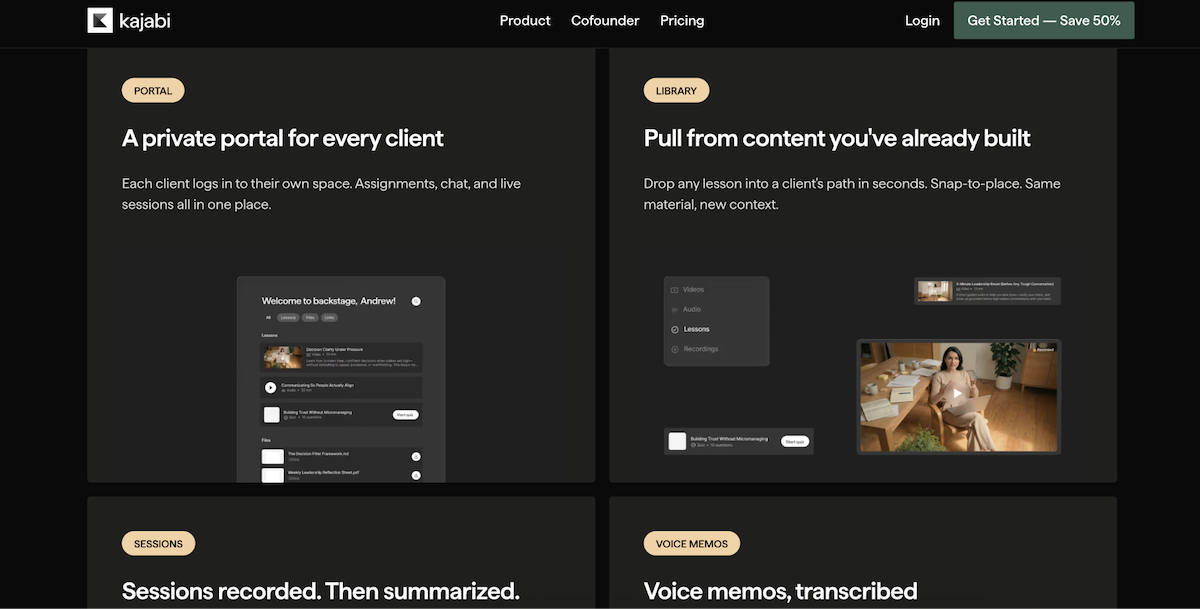
For a business where education is a revenue stream, the all-in-one nature of Kajabi means everything is connected, the experience is seamless, and you spend your time on the content, not the tech.
Project Management: ClickUp
ClickUp is the brain of our operation.
Every project, every deliverable, every content deadline, every template launch: it lives in ClickUp. For a business that runs on content creation, design production, and multiple moving pieces at once, having one place where everything is tracked is non-negotiable.
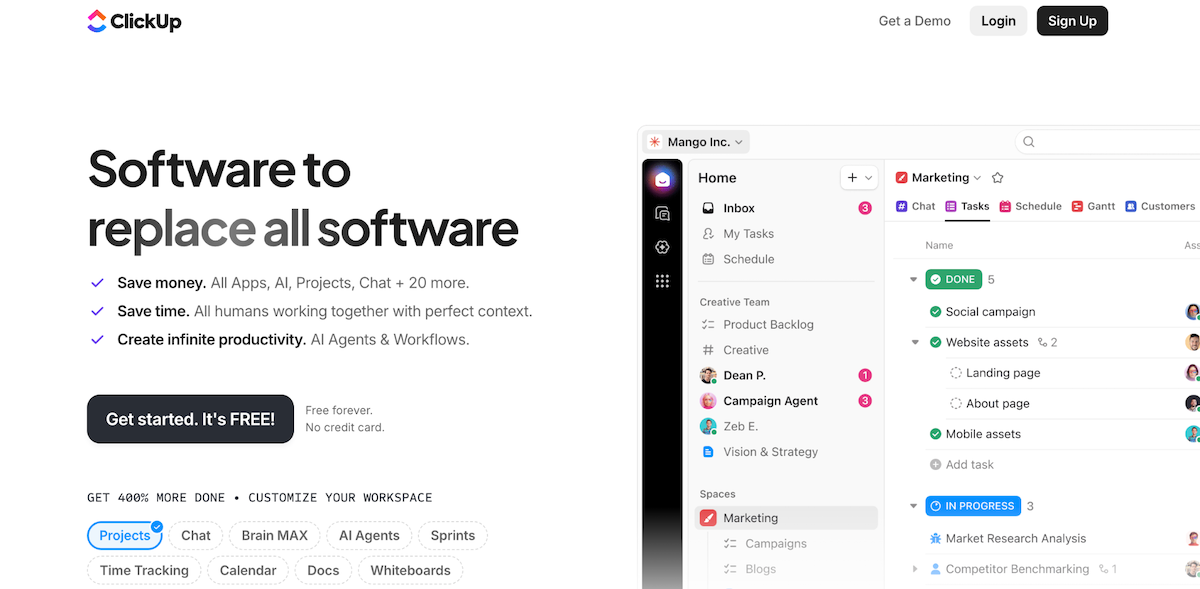
Project management tools are deeply personal, and ClickUp has stuck for us because of how flexible it is. You can make it as simple or as detailed as your workflow requires, and it scales beautifully whether you’re a solo designer or a growing team.
If your current system is a running Google Doc or a sticky note situation, ClickUp is the upgrade that brings everything into focus. It’s free to start, and the paid plan gives you more than enough to run a full creative business.
Lead Capture and Pop-ups: BDOW!
Every creative software tech stack needs a way to grow an email list, and BDOW! is how we do it.
BDOW! handles pop-ups, slide-ins, and opt-in forms across the site. It integrates cleanly with both Kit and Flodesk, so when someone opts in, they land exactly where they’re supposed to in our email system without any manual work on our end.
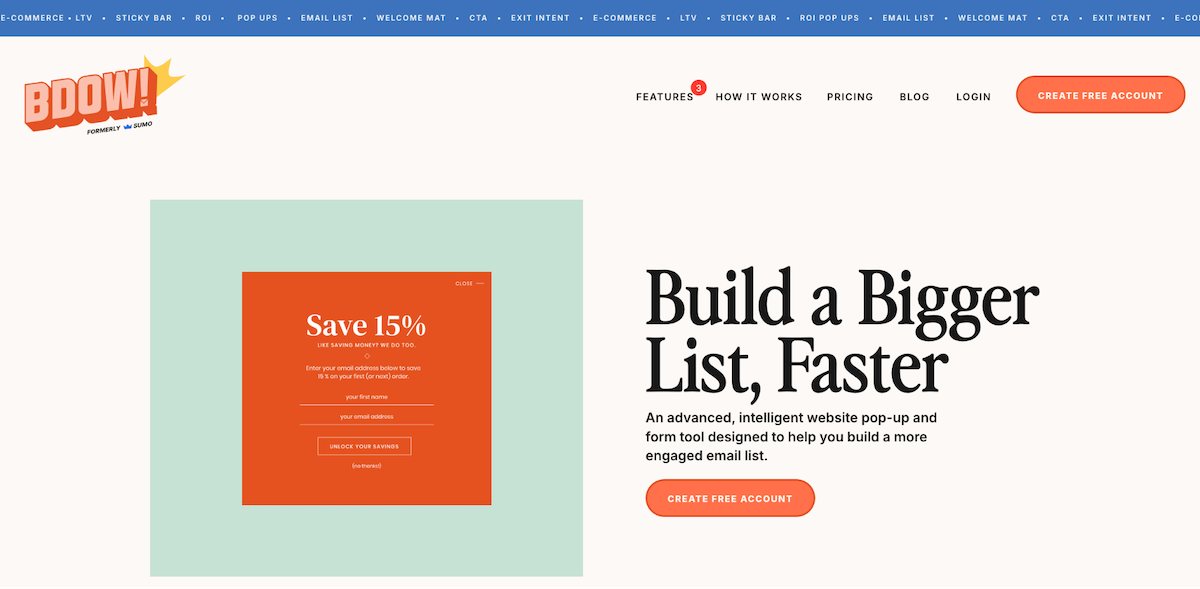
It’s the tool quietly doing the list-building work in the background every single day. If you have a website and you’re not actively capturing emails from your visitors, BDOW! is a low-effort, high-return addition that pays for itself fast.
The Honest Take on Building a Tech Stack
Here’s the thing: you don’t need all of this on day one.
Start with a website and an email list. Add a CRM when your client inquiry process starts to feel chaotic. Add a course platform when you have a course to sell. Add project management when you have enough moving pieces that things are actually falling through the cracks.
The best creative software tech stack is the one that matches where your business actually is, not where you hope it’ll be in three years. Over-building your stack before you need it is just expensive distraction.
That said, once you’re ready to build it out, these are the tools we’d point you toward every time.
And if the website piece is still on your to-do list, that’s a great place to start. Browse our Showit templates to find a design built for your business, or check out our courses if you want to learn the platform from the ground up.
FAQs: Creative Software Tech Stack for Designers
What is a creative software tech stack?
A creative software tech stack is the collection of tools and platforms you use to run your creative business: your website, email marketing, client management, project management, and anything else that keeps operations moving. The goal is a lean, integrated set of tools that work together without unnecessary overlap.
What tools do designers actually need to run a creative business?
At minimum: a website platform, an email marketing tool, and a way to manage client communications and contracts. As your business grows, adding a project management tool and a course or digital product platform makes sense. Start lean and add tools as the need becomes real.
Is Showit good for designers and creative businesses?
It’s one of the best options available for creative businesses that care about visual presentation. The design freedom is unmatched among no-code website builders, and the WordPress blogging integration makes it strong for SEO. Try it free for 30 days here.
How do I start building a creative software tech stack?
Start with the essentials: a website and an email marketing platform. Add tools as real needs emerge in your business rather than building out a full stack before you need it. The best stack is a lean one that actually gets used.

Krista is the co-founder of Davey & Krista, a creative studio known for high-converting Showit website templates crafted for photographers, creatives, and entrepreneurs. With over 15 years of branding and marketing experience, she helps business owners launch stunning websites without the tech overwhelm. Krista also teaches designers how to turn their creative skills into a thriving business—through templates, courses, and behind-the-scenes strategy. When she’s not designing, you’ll find her chasing sunshine, color palettes, and gluten-free pizza.
Explore website templates and free resources at daveyandkrista.com.


VIEW THE COMMENTS
Add A Comment