


Table of Contents
You built your first website on Wix. It was easy. It got the job done. And for a while, it was enough.
But now? You’re feeling the ceiling. The design limitations. The SEO frustrations. The templates that all kind of look the same no matter how much you customize them.
You’ve heard about Showit. You’ve seen other creatives with gorgeous, completely custom websites that don’t look like everyone else’s. And you’re wondering: is moving from Wix to Showit actually worth it? What does the process look like? How hard is it going to be?
If you need moving from Wix to Showit help, you’re in the right place. Let me walk you through it. From why creatives make this switch, to what the migration actually involves, to whether it’s the right move for where you are right now.
Why Creatives Need Moving From Wix to Showit Help
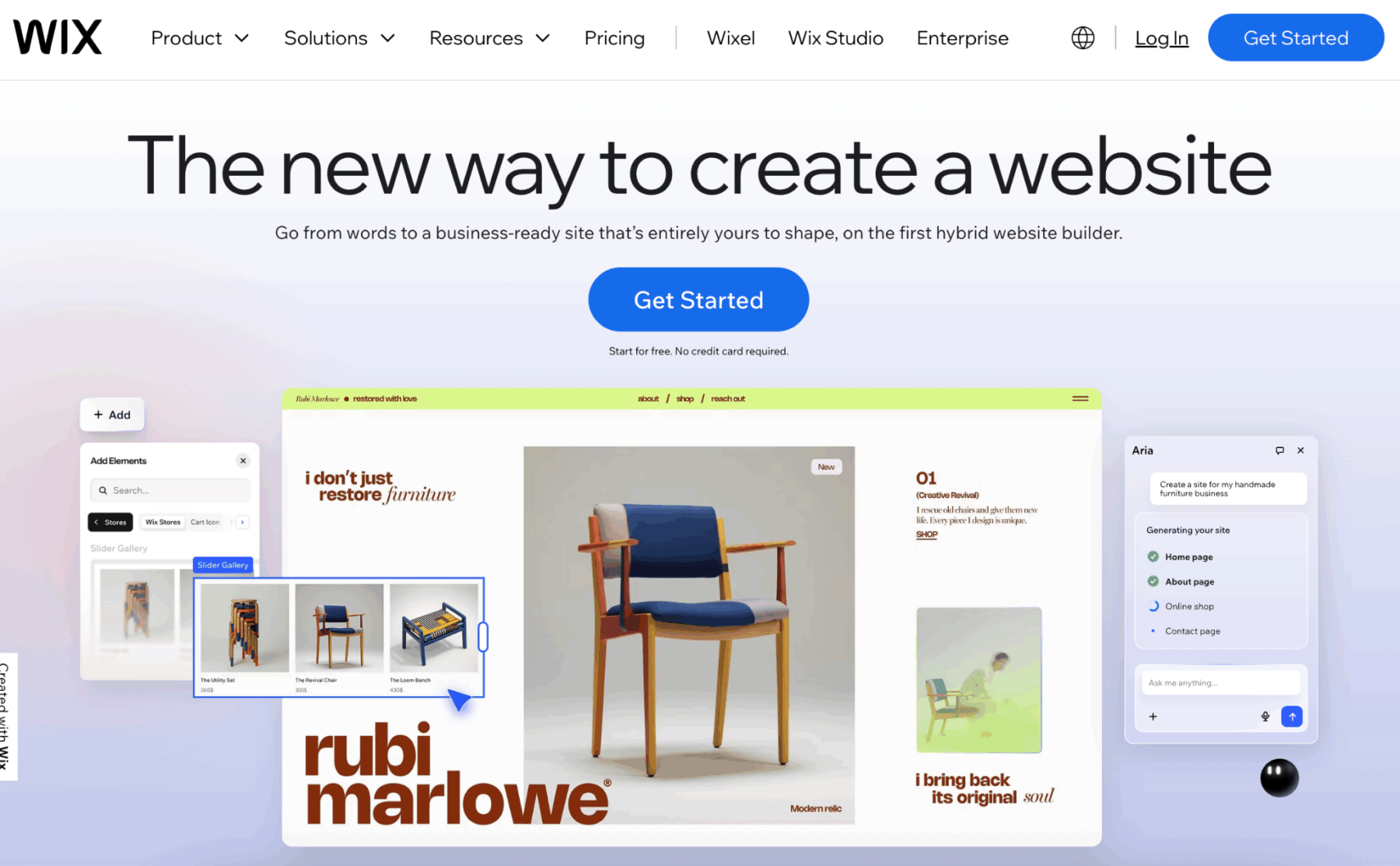
Let’s be honest about what Wix does well. It’s beginner-friendly. The drag-and-drop builder is intuitive. You can get a site live quickly without touching code. For someone just starting out, those things matter.
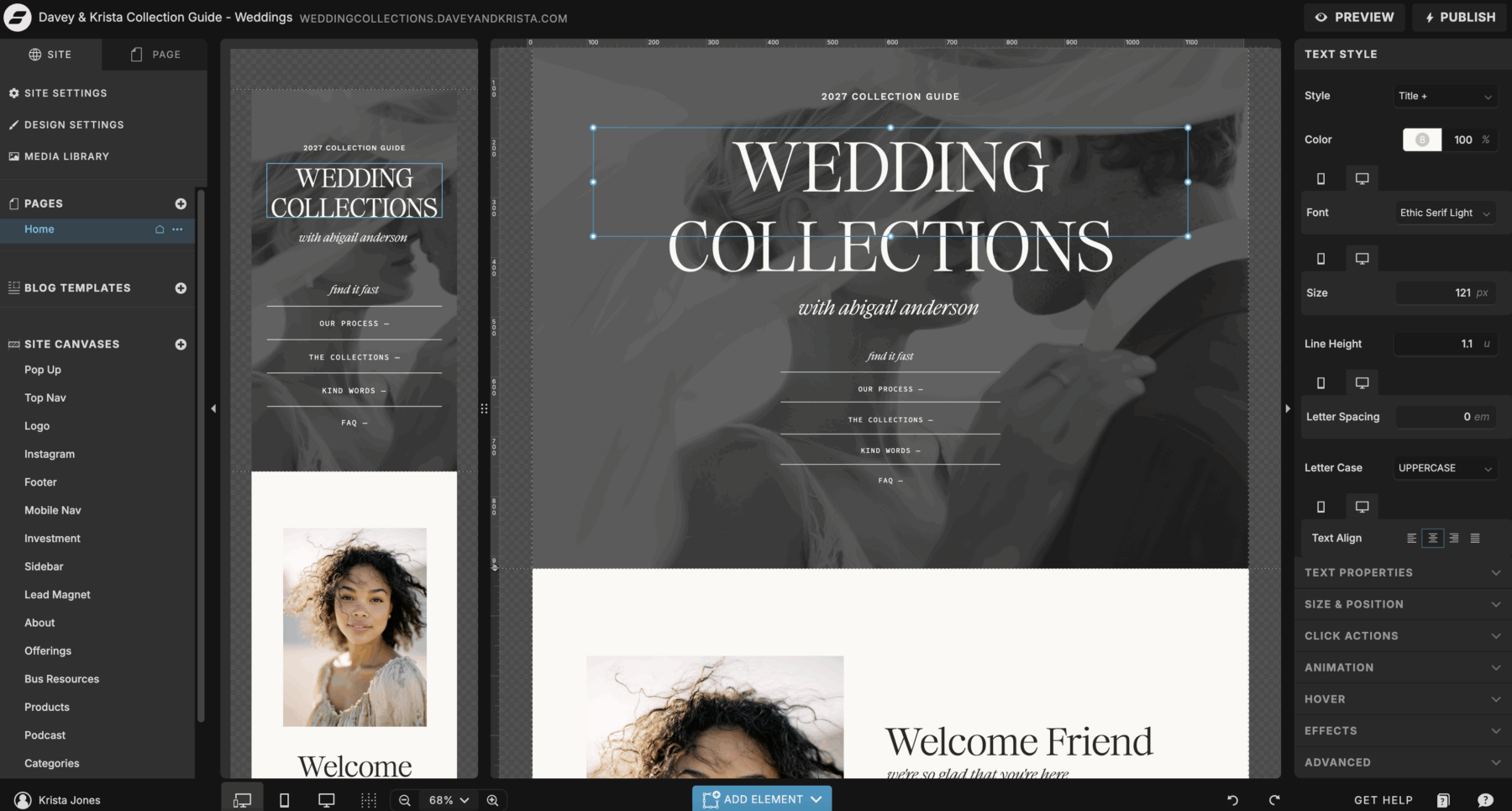
But Showit was built specifically for creatives who care about design freedom. Photographers, brand designers, coaches, wedding planners, and anyone who wants their website to look like their brand, not like a template.
Here’s what changes when you get moving from Wix to Showit help:
Complete design control. Wix has templates. Showit has a blank canvas. You can place anything anywhere. Overlapping images, custom animations, off-grid layouts. If you can design it in Canva or Photoshop, you can build it in Showit.
Better SEO foundation. Wix has improved its SEO over the years, but it still has limitations. Showit integrates with WordPress for your blog, which gives you access to real SEO plugins like Yoast and RankMath. Your blog lives on WordPress, your design lives on Showit, and Google sees a fast, well-structured site.
Mobile customization. With Wix, mobile is usually an auto-generated version of your desktop site. You can tweak it, but you’re limited. Showit lets you design a completely different mobile site if you want. Different layouts, different images, different text. That level of control matters when half your traffic is on phones.
No Wix branding. Even on paid Wix plans, there are limitations on removing Wix branding and ads depending on your tier. Showit never puts their branding on your site.
Your site actually looks like you. This is the big one. When someone lands on a Wix site, it often feels like a Wix site. When someone lands on a Showit site, it feels like your brand.
What You Need to Know Before Getting Moving From Wix to Showit Help
Moving from Wix to Showit isn’t a one-click migration. There’s no magic “import from Wix” button. You’re rebuilding your site on a new platform.
That sounds scarier than it is. Here’s what the process actually looks like.
You’ll Need to Rebuild Your Pages
When you’re getting moving from Wix to Showit help, you’re not transferring your existing site design over. You’re recreating it (or redesigning it entirely) in Showit’s builder.
The good news: you can start with a Showit template and customize it to match your brand. Our templates are designed specifically for creatives and come with built-in layouts for all the pages you need. You swap in your colors, fonts, images, and copy. It’s faster than building from scratch and gives you a professional starting point.
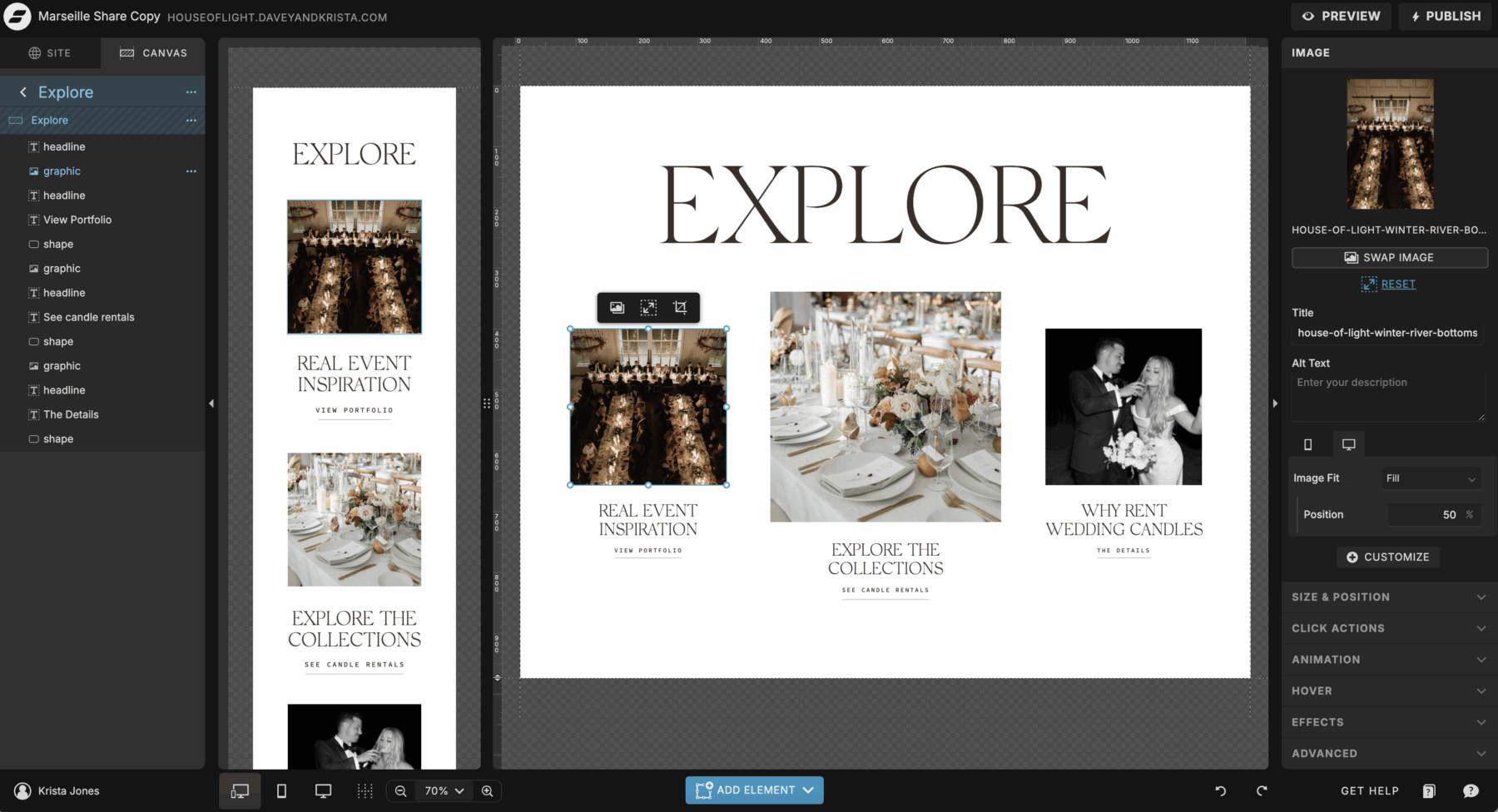
The even better news: rebuilding gives you a chance to actually improve your site. That homepage that never quite converted? You can fix it. That about page that felt cluttered? You can simplify it. Moving from Wix to Showit is an opportunity to level up, not just recreate what you had.
Your Blog Moves to WordPress
Showit’s blog runs on WordPress, which is the gold standard for SEO and long-term content strategy.
If you have blog posts on Wix, you’ll export them and import them into WordPress. It’s not complicated, but it does require a few steps. WordPress has built-in import tools, and there are tutorials that walk through the Wix-to-WordPress migration process step by step.
Once your blog is on WordPress, you can use actual SEO plugins, customize your URLs properly, and have way more control over how your content ranks.
You’ll Transfer Your Domain
Your domain (yourwebsite.com) can absolutely come with you when moving from Wix to Showit. You’ll either transfer it to a new registrar like Namecheap, or keep it where it is and just point it to Showit.
Showit has clear instructions for this, and their support team is really helpful if you get stuck. Your domain won’t disappear. Your email won’t break. It’s just a DNS setting change.
You’ll Set Up Hosting
Wix hosting is included in your Wix plan. Showit works the same way. Your Showit subscription includes hosting for your site. But because your blog runs on WordPress, you’ll need separate WordPress hosting.
We recommend hosting your WordPress blog with a service that’s optimized for speed and security. Showit integrates seamlessly with most major WordPress hosts, and setup takes about 20 minutes.
The Actual Steps for Moving From Wix to Showit Help
Let’s break down the process so it feels less overwhelming.
Step 1: Sign Up for Showit
Start your Showit free trial. You get 14 days to build your site and see if it’s the right fit before paying anything. Use that trial to actually build. Don’t just poke around. Commit to recreating at least your homepage and about page so you can feel how the platform works.
Step 2: Choose a Template or Start From Scratch
If you’re getting moving from Wix to Showit help and you’re not a designer, start with a template. Seriously. Showit’s blank canvas is incredible if you know what you’re doing. But if you’re staring at a white screen wondering where to start, a template gives you structure.
Browse Showit templates that match your industry. Photographer? Grab a photography template. Coach? Grab a coaching template. Swap in your brand colors, your fonts, your images, and your copy. Customize the layout to match your style.
Step 3: Rebuild Your Key Pages
Start with your homepage, about page, services page, and contact page. These are your core pages. Get them built and looking good.
You’re not copying your Wix site pixel for pixel. You’re improving it. Think about what worked on your old site and what didn’t. Moving from Wix to Showit is your chance to fix the things that were bugging you.
Step 4: Set Up WordPress for Your Blog
If you have blog content on Wix, export it as an XML file (Wix has instructions for this in their help center). Then import it into your new WordPress blog using WordPress’s built-in importer.
You’ll need to reconnect images, clean up formatting, and make sure your post URLs match your old ones (or set up redirects so you don’t lose SEO). This is the most tedious part of getting moving from Wix to Showit help, but it’s doable. Budget a few hours.
If you don’t have a blog yet, this step is easy. Just set up WordPress and you’re done.
Step 5: Connect Your Domain
Once your Showit site is built and you’re happy with it, connect your domain. If your domain is currently with Wix, you can either transfer it to a registrar like Namecheap, or leave it at Wix and just update the DNS settings to point to Showit.
Showit’s help docs walk through both options. It sounds technical, but it’s mostly copy-pasting numbers into boxes.
Step 6: Set Up Redirects (If You’re Changing URLs)
If your page URLs are changing (for example, if your Wix about page was yoursite.com/about-1 and your new Showit page is yoursite.com/about), set up 301 redirects so people and Google get sent to the right place.
You can do this through your WordPress blog or through a redirect tool. This step protects your SEO so you don’t lose traffic from old links.
Step 7: Go Live
When everything looks good, publish your Showit site. Your old Wix site goes offline. Your new Showit site goes live. You’re done.
Plan to monitor your site for a few days after launch. Check that forms are working, links aren’t broken, and pages load correctly on mobile. But once it’s live, it’s live.
How Long Does Moving From Wix to Showit Help Take?
If you’re using a template and you have a simple site (5-10 pages, minimal blog content), you can realistically get this done in a weekend. Maybe two if you’re being thorough.
If you’re building from scratch, designing every page custom, or migrating a large blog with 50+ posts, plan for a few weeks.
Most people fall somewhere in between. A week of focused work gets you 80% there.
What Moving From Wix to Showit Help Actually Costs
Wix pricing ranges from around $17/month for a basic plan to $159/month for enterprise plans. Most creatives are on a plan somewhere in the $20 to $40/month range.
Showit pricing starts at $19/month for a basic plan and $34/month for the standard plan most people use. If you’re adding a WordPress blog, you’ll also need WordPress hosting, which runs around $10 to $30/month depending on the host.
So total cost for Showit plus WordPress hosting: roughly $30 to $65/month, depending on your plan and host.
You’re in a similar range to what you were paying on Wix. The difference is what you’re getting for that price. With Showit, you’re getting complete design freedom, better SEO infrastructure, and a site that actually looks like your brand.
Do You Need to Hire Someone for Moving From Wix to Showit Help?
Not necessarily. If you’re comfortable with technology, following tutorials, and figuring things out as you go, you can absolutely do this yourself.
Showit has a huge library of tutorials, a helpful support team, and an active Facebook community full of people who’ve done this exact migration and are happy to help.
That said, if the idea of rebuilding your site, setting up WordPress, transferring your domain, and managing redirects sounds overwhelming, hiring a designer to handle the migration is a completely reasonable option. Many Showit designers offer migration packages specifically for this.
If you want to DIY it but need a little guidance, grab one of our Showit templates. They come with setup videos that walk you through exactly how to customize everything.
Is Moving From Wix to Showit Help Worth It?
If you’re a creative who cares about how your website looks and you’re feeling limited by Wix’s design constraints, yes.
If you’re frustrated by Wix’s SEO limitations and you want your blog to actually rank, yes.
If you want a website that feels like an extension of your brand instead of a slightly customized template, yes.
If you’re happy with Wix, your site is converting well, and you’re not hitting any limitations, then maybe not yet. But when you do start feeling that ceiling, Showit is where most creatives end up.
The migration process isn’t instant, but it’s not complicated either. And the result is a website you’re actually proud to send people to.
Ready to make the switch? Start your free Showit trial and see how much more design freedom you actually get. And if you want a head start, browse our Showit website templates built specifically for photographers, designers, coaches, and creatives who want a site that actually reflects their work.
Frequently Asked Questions About Moving From Wix to Showit Help
Can I transfer my Wix site directly to Showit?
No, there’s no direct transfer option. You’ll need to rebuild your site in Showit, either from scratch or using a template. Your content (text, images) can be copied over, but the design itself needs to be recreated.
Will I lose my SEO when getting moving from Wix to Showit help?
Not if you set up proper 301 redirects from your old URLs to your new ones. Redirects tell Google “this page moved here,” so you keep your rankings. Your SEO may actually improve on Showit because of the WordPress blog integration and better site structure.
How do I move my blog from Wix to Showit?
Export your blog posts from Wix as an XML file, then import them into WordPress (which powers Showit blogs). You’ll need to reconnect images and clean up formatting, but it’s a straightforward process. WordPress has built-in import tools that handle most of it.
Do I need to know how to code to use Showit?
No. Showit is drag-and-drop, just like Wix. The difference is Showit gives you way more design freedom. You can add custom code if you want, but you don’t need it for a fully functional, beautiful website.
Can I keep my domain when moving from Wix to Showit?
Yes. You can either transfer your domain to a new registrar or keep it at Wix and just update the DNS settings to point to Showit. Your domain stays yours either way.
How much does Showit cost compared to Wix?
Showit plans start at $19/month (basic) and $34/month (standard). If you add WordPress hosting for your blog, total cost is around $30 to $65/month. That’s comparable to mid-tier Wix plans, but with significantly more design control and better SEO capabilities.
Is moving from Wix to Showit help hard?
It’s not hard, but it does take time. If you use a template and have a simple site, you can do it in a weekend. If you’re building custom or migrating a large blog, plan for a week or two. Showit has tutorials, support, and a helpful community to guide you through it.

Krista is the co-founder of Davey & Krista, a creative studio known for high-converting Showit website templates crafted for photographers, creatives, and entrepreneurs. With over 15 years of branding and marketing experience, she helps business owners launch stunning websites without the tech overwhelm. Krista also teaches designers how to turn their creative skills into a thriving business—through templates, courses, and behind-the-scenes strategy. When she’s not designing, you’ll find her chasing sunshine, color palettes, and gluten-free pizza.
Explore website templates and free resources at daveyandkrista.com.


VIEW THE COMMENTS
Add A Comment