


I have spent more than fifteen years designing websites, and a large share of them have been for photographers. I have watched a stunning portfolio disappear on page nine of Google because the platform underneath it could not be optimized. I have also watched a simple, strategic site book a photographer solid for a season. The platform you build on matters more than most people tell you, and the advice out there is mostly written by review sites earning a commission, not by someone who sits in these builders every single day.
So here is the HONEST version. This guide walks you through the best website builders for photographers, what each one is genuinely good at, where each one falls short, and which one I would put my money on if your brand is how you win clients.
What is the best website builder for photographers?
For most professional photographers, the best website builder is Showit. It gives you a fully custom, stand-out site without touching code, it pairs with a real WordPress blog so you can actually rank on Google, and it grows with your business instead of boxing you in. Squarespace is the runner-up, and it is a reasonable pick if your only priority is launching fast and simple, but its fixed grid means most photographer sites built on it start to look alike. Pixieset, SmugMug, and Format are gallery and print-sales tools you run alongside your main site, not replacements for it.
Here is the honest truth after fifteen years of building these. Photographers who want their website to set them apart almost always end up happier on Showit. The rest of this guide shows you why, and where the other platforms still make sense.
The best website builders for photographers, compared
Here are the platforms worth your attention. The short version is that Showit is the best choice for a photographer’s main website, Squarespace is the simpler runner-up, and the rest are specialists you pair alongside whatever you build.
| Platform | Best for | Starts around (verify current pricing) | Design freedom | Built-in client galleries |
|---|---|---|---|---|
| Showit | The best all-around pick: a fully custom look you can grow with | $19/mo, or about $34/mo with a WordPress blog | Highest | No (use Cloudspot!) |
| Squarespace | A fast, simple starting point if you do not mind a templated look | About $16 to $23/mo | Medium | No (basic galleries only) |
| Pixieset | Client galleries, proofing, and print sales | Free to about $16/mo | Low | Yes |
| Wix | Beginners who want everything in one place | About $17 to $29/mo | Medium-high | Limited |
| SmugMug | High-volume shooters who sell prints | About $11 to $40/mo | Low | Yes |
| Format | Portfolio-first sites with built-in proofing | About $10 to $25/mo | Medium | Yes |
| WordPress | Full control and content-heavy SEO | Hosting from about $5 to $15/mo plus a theme | Highest | No (plugins required) |
Pricing shifts often, so treat these figures as the range at the time of writing and confirm on each platform before you commit.
Showit: the best website builder for photographers
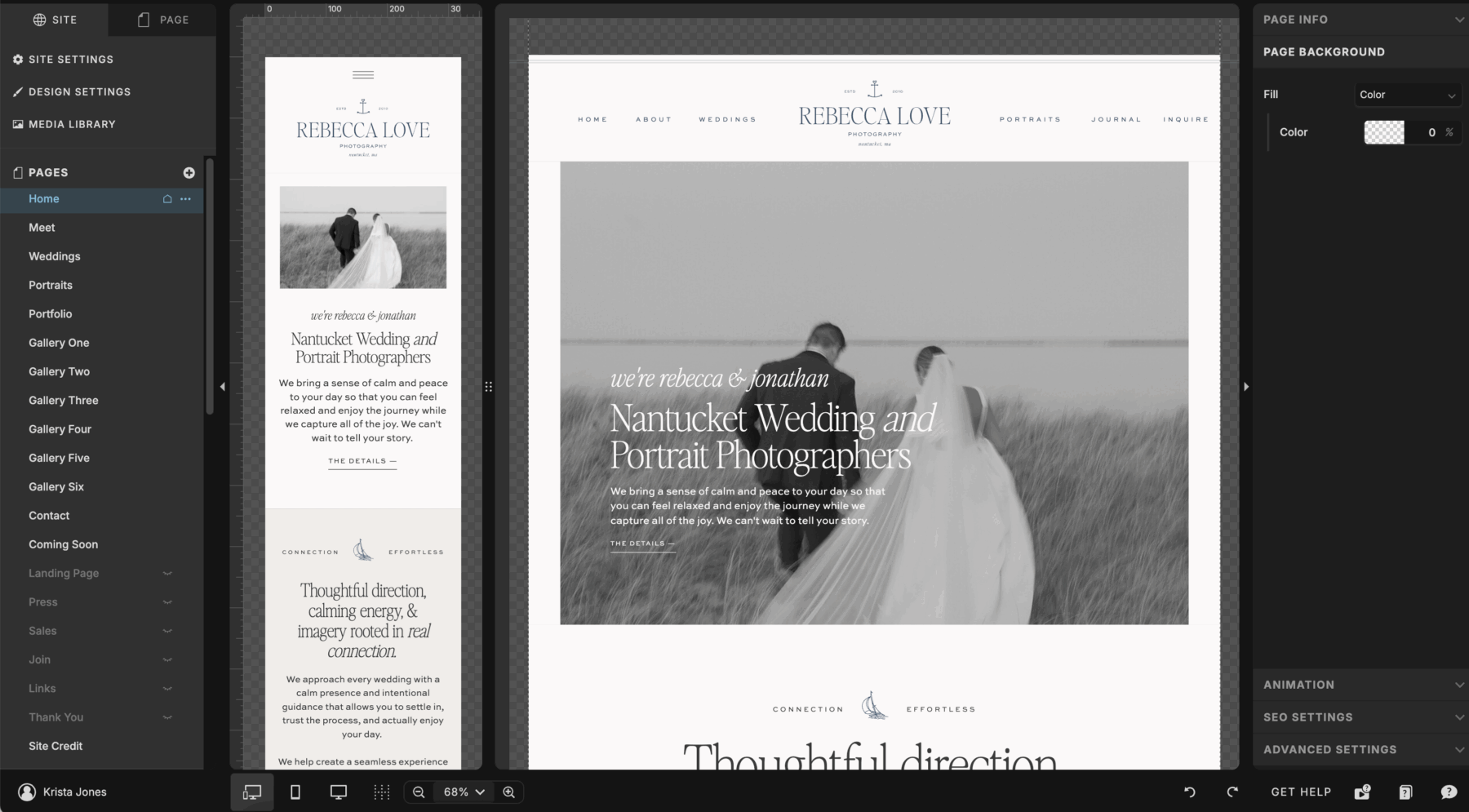
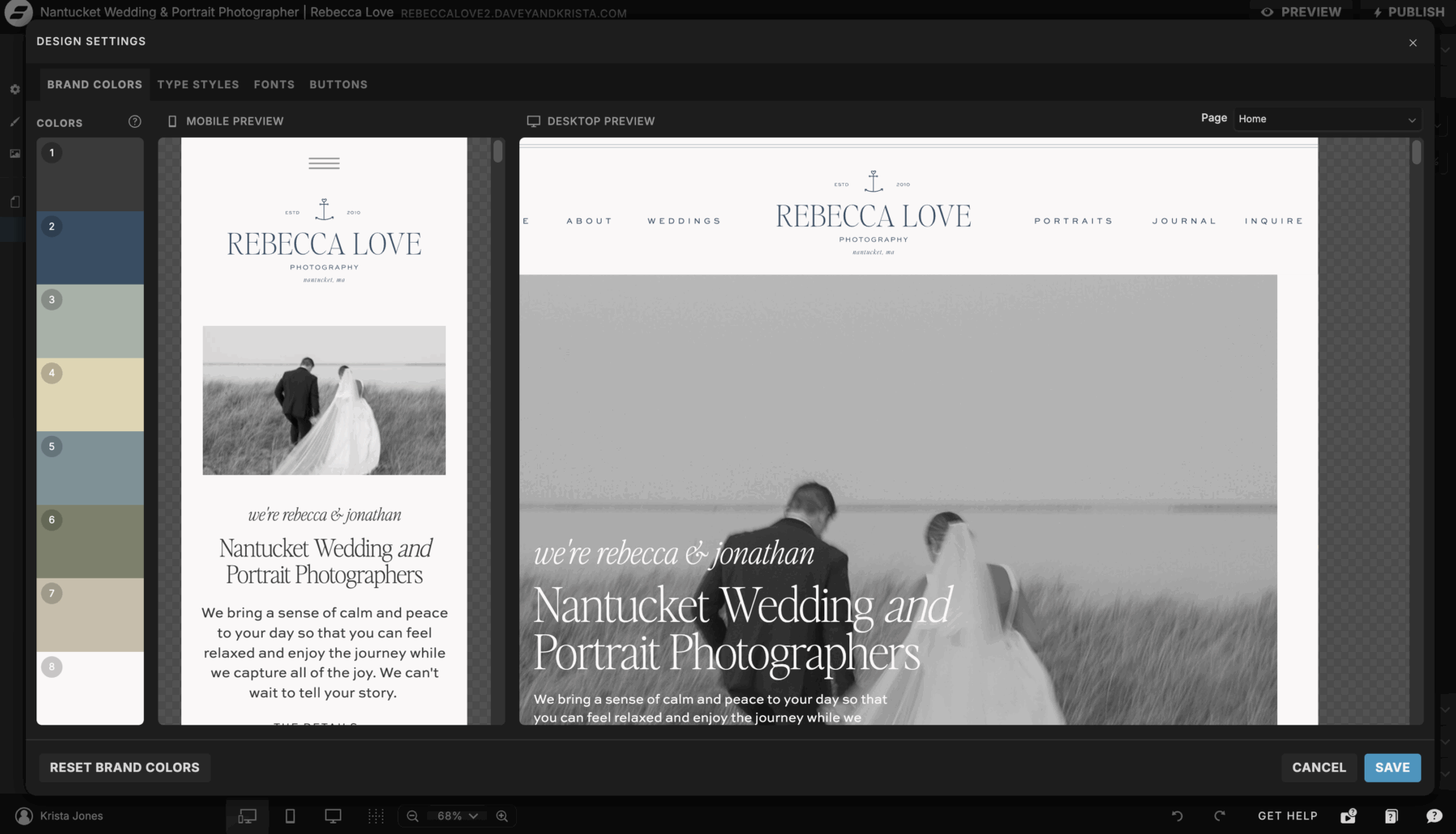
Showit is the best website builder for photographers who care about standing out and growing, full stop. It works like a true blank canvas. You drag any element anywhere, you design desktop and mobile separately so both look intentional, and nothing snaps to a rigid grid. That is why so many high-end wedding and portrait photographers build here, and why their sites look custom instead of templated. If you want the unfiltered version before you commit, here is my honest Showit website builder review.
The one tradeoff is that a blank canvas can feel like a lot at the start, and that is the only reason some photographers hesitate. A strong template removes that completely. It gives you the custom look and the strategy already baked in, so you customize in a weekend instead of staring at an empty page. Our Showit templates for photographers are designed to do exactly that.
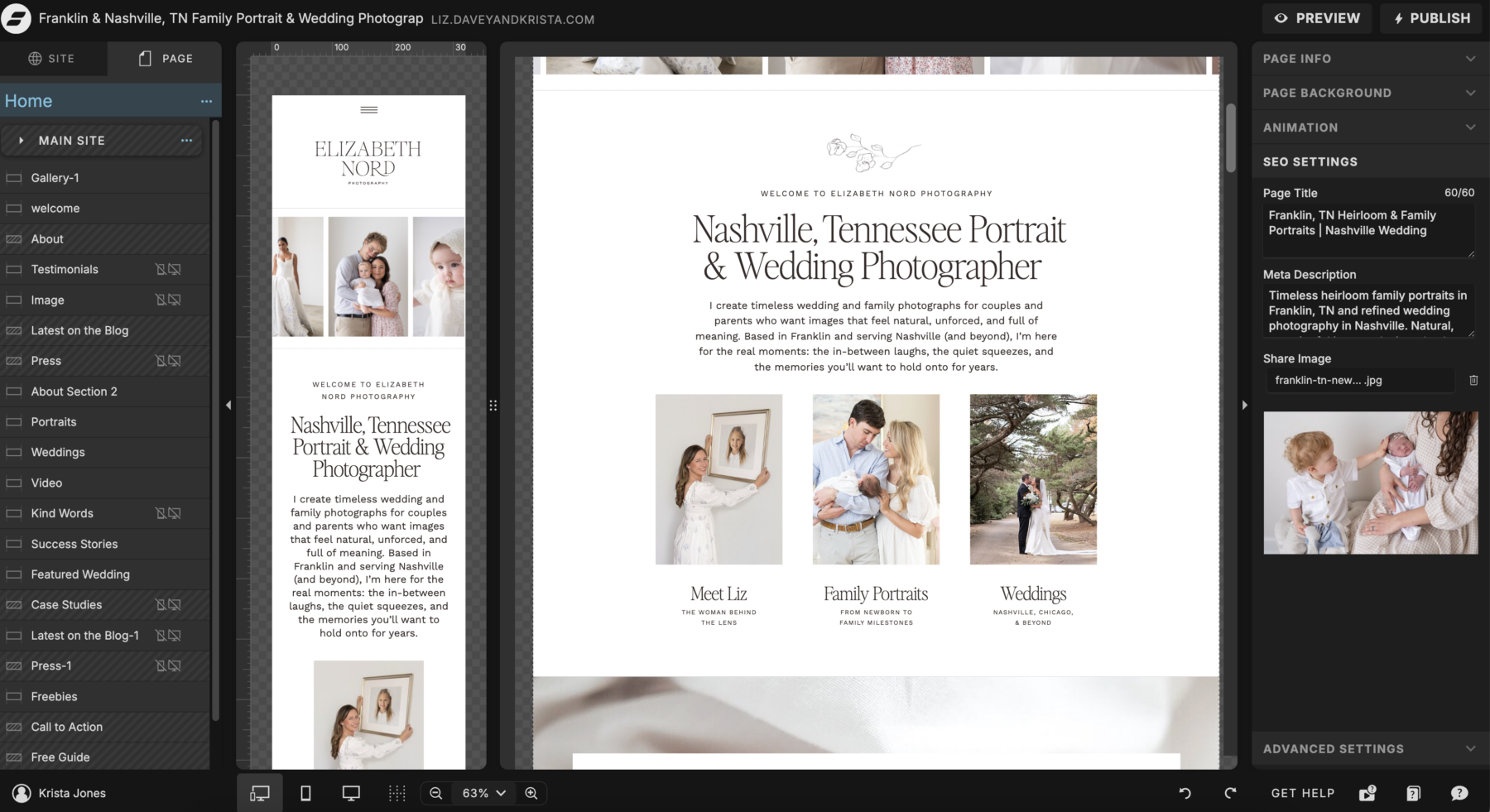
Showit also handles blogging through a connected WordPress blog, which is a bigger deal than photographers expect. It means you get real WordPress SEO power without managing a full WordPress site, and that is a large part of why Showit photographers rank. The one honest caveat is that Showit does not include client galleries or proofing, so you pair it with a tool like Pixieset or Pic-Time for delivery.
Squarespace: the simpler runner-up
Squarespace is a solid runner-up, and it is the right pick only if your top priority is launching fast and keeping everything in one dashboard. Its templates are clean, its images load fast, and there is genuinely less to learn. For a photographer who just wants something live this week, that simplicity has real appeal.
You feel the ceiling quickly, though. Squarespace builds on a fixed grid, so real customization is limited and photographer sites built on it tend to look like one another. Its blogging and SEO tools are lighter than the WordPress blog you get with Showit, which matters if you plan to rank. For a photographer whose brand is the product, that sameness is the problem, and it is why many photographers start on Squarespace and move to Showit once their brand outgrows it.
Pixieset, SmugMug, and Format: best for client galleries and print sales
These three are the specialists, and the direct answer is that they are best as your delivery and sales layer, not your main marketing website. Pixieset is the go-to for client galleries, proofing, and a built-in store, and its free tier makes it easy to start. SmugMug is built for photographers who shoot high volume and want unlimited storage plus automated print fulfillment. Format leads with portfolio design and folds in proofing, so it sits a little closer to a full website than the other two.
Could you run your entire presence on one of these? Technically yes. But their marketing pages, blogging, and SEO are thinner than a dedicated site builder, and your brand tends to look more templated. The stronger setup for a growing business is a Showit site that sells you, paired with a gallery tool that serves your clients.
Wix, WordPress, and Adobe Portfolio: where they actually fit
Wix, full WordPress sites with tools like Elementor, and Adobe Portfolio each earn a place, just not for most photographers. Wix is the most beginner-friendly drag-and-drop builder with a huge template library, but heavier sites can slow down and the look rarely feels high-end. WordPress offers the most control and the strongest SEO ceiling of anything here, but it carries a real learning curve and ongoing maintenance, which is exactly the hassle Showit spares you by connecting a WordPress blog to a designer-friendly front end. Adobe Portfolio is the quiet bonus: if you already pay for a Lightroom plan, you likely have it included, and it is a fast, free way to put a simple portfolio online.
If you want maximum SEO power and you are comfortable with a steeper setup + ongoing maintenance, WordPress rewards the effort. If you want simple and free to start, Adobe Portfolio does the job. But if you want a site that looks custom, ranks, and grows with you, Showit gives you the best of these without the tradeoffs.
Showit vs Squarespace for photographers: which should you choose?
For most photographers, choose Showit. It wins on the thing photographers actually sell on, which is a distinctive, custom look, and it pairs with a real blog so you can grow with SEO. Choose Squarespace only if launching fast and simple matters more to you right now than standing out. For the full side-by-side, read our Squarespace vs Showit comparison.
Choose Showit if
You want your site to look truly custom and stand apart from other photographers in your market. You care about controlling the mobile layout separately so it looks designed, not squished. You plan to blog for SEO and want the WordPress blog connection. And you want a platform you can grow into for years instead of outgrowing in one. This is most photographers who take their brand seriously. Browse Showit templates built for photographers if this sounds like you.
Choose Squarespace if
You want the absolute fastest, simplest start, you are watching your budget this month, and you are fine looking similar to other photographers for now. It is a fair place to begin. Just know that many photographers begin here and move to Showit once their brand and their SEO ambitions outgrow it.
How to choose the best website builder for your photography business
The best website builder for you comes down to three questions: what kind of photography you do, whether you need to sell prints or deliver galleries, and how much you plan to lean on SEO and blogging. For most photographers, the answers point to Showit.
Wedding and portrait photographers
For wedding and portrait photographers, Showit is the clear winner. Your work sells on emotion and distinctiveness, so a site that looks custom does real work for you, and Showit is built for exactly that. You also tend to blog weddings and sessions, which feeds SEO, and Showit’s WordPress blog handles that beautifully. Pair it with Pixieset or Pic-Time to deliver galleries.
Photographers who sell prints
If print sales are central, lead with a platform built for commerce and fulfillment. SmugMug and Pixieset both offer built-in stores and automated print labs, which saves you from packing and shipping. Most print-focused photographers run a SmugMug or Pixieset store for sales and a Showit site for their brand, so the two jobs stay separate and each is done well.
Photographers who blog for SEO
For photographers who want to rank on Google, Showit with its WordPress blog is the best choice, giving you the content depth and control that portfolio-first builders lack without the upkeep of a full WordPress site. Squarespace can rank if you blog consistently, but its lighter tools make it the weaker option when SEO is the whole strategy. If you want the exact steps, our SEO course for photographers and creatives walks through it.
Do these platforms actually help you rank on Google?
Yes, but the platform is the floor, not the ceiling. Any of these builders can produce a technically sound, fast, mobile-friendly site. Where photographers lose is not usually the platform, it is empty pages, no blog, missing alt text, and slow galleries. That said, Showit and WordPress give you the most room to do SEO well because of the WordPress blog and full content control, and Showit gives you that power in a designer-friendly package.
Whatever you build on, compress your images, write real alt text, and publish content your ideal client is actually searching for. That is the part that moves you up the page, and it is far easier to keep up with on a platform like Showit that makes blogging simple.
Frequently asked questions
What is the best website builder for photographers?
For most professional photographers, the best website builder is Showit, because it gives you a fully custom look without code and pairs with a WordPress blog for SEO. Squarespace is the simpler runner-up for photographers who want the fastest, most hands-off launch and do not mind a more templated look. For client galleries and print sales, add Pixieset, SmugMug, or Format alongside your main site.
Is Showit or Squarespace better for photographers?
For photographers who want to stand out, Showit is better. It offers full design freedom, separate mobile control, and a real WordPress blog for SEO, which is why so many wedding and portrait photographers choose it. Squarespace is easier and faster to launch, so it can suit you if simplicity is your single biggest priority, but you trade away the custom look and much of the SEO depth.
How much does a photography website cost per month?
A photography website typically costs between $10 and $35 per month for the platform, before your domain. At the time of writing, Showit starts around $19 per month, or about $34 per month with the WordPress blog, and Squarespace runs roughly $16 to $23 per month. Pixieset offers a free tier. Budget a little more if you add a separate gallery or e-commerce tool, and always confirm current pricing on each platform.
Do I need a website builder and a client gallery tool?
Most professional photographers do use both, because they solve different problems. Your website builder markets you and books clients, while a gallery tool like Pixieset or Pic-Time delivers photos, handles proofing, and sells prints. Showit and Squarespace do not include full client galleries, so pairing your main site with a dedicated gallery platform is the standard setup for a working photographer.
Can I build a photography website without knowing how to code?
Yes, none of these platforms require code, and Showit gives you the most design freedom without any. Showit, Squarespace, Wix, Pixieset, SmugMug, and Format are all built for photographers with no technical background. Starting from a Showit template makes that freedom manageable, so you are customizing a proven design rather than building from a blank screen.
Is Squarespace good for photographers?
Squarespace is good for photographers who want a clean site up quickly and value simplicity over a custom look. It renders images well and keeps everything in one place. The catch is that its structured grid limits customization and its blogging tools are lighter, so photographers who want to stand out or lean on SEO usually outgrow it and move to Showit.
What website builder do most professional photographers use?
Many professional photographers, especially in the wedding and portrait space, use Showit for its custom look and WordPress blog, while Squarespace is common among those who want a simple, fast setup. Pixieset and SmugMug are widely used alongside either one for galleries and print sales.
Which website builder is best for SEO for photographers?
For SEO, Showit with its WordPress blog is the best choice for photographers, because it offers the content depth, blogging, and technical control that help you rank without the upkeep of a full WordPress site. Squarespace can rank if you blog consistently, but its lighter tools make it the weaker option when SEO is the central strategy. Remember that consistent content and image optimization matter as much as the platform itself.
Can I switch website builders later without losing my SEO?
You can switch, but you need to protect your SEO when you do. The key is setting up 301 redirects from your old URLs to the new ones so the authority you have built carries over. Many photographers migrate from Squarespace to Showit as their brand grows, and our guide on how to move from Squarespace to Showit walks through the steps. Migrating a blog and its images takes planning, so it is worth choosing a platform you can grow into rather than switching every year.
The bottom line
For most photographers, the best website builder is Showit. It gives you a custom look you can grow with, a real blog for SEO, and a site that sets you apart instead of blending in. Squarespace is a fine, simpler place to start, but if your brand is how you win clients, Showit is the one worth building on.
If you want the custom look without the blank-canvas overwhelm, a strategic template gets you there in a weekend instead of a month. Explore our Showit templates designed for photographers, and if you would rather hand the whole thing off, our custom website design services are here when you are ready. Either way, you can breathe. You do not have to figure this out alone.

Krista is the co-founder of Davey & Krista, a creative studio known for high-converting Showit website templates crafted for photographers, creatives, and entrepreneurs. With over 15 years of branding and marketing experience, she helps business owners launch stunning websites without the tech overwhelm. Krista also teaches designers how to turn their creative skills into a thriving business—through templates, courses, and behind-the-scenes strategy. When she’s not designing, you’ll find her chasing sunshine, color palettes, and gluten-free pizza.
Explore website templates and free resources at daveyandkrista.com.


VIEW THE COMMENTS
Add A Comment