


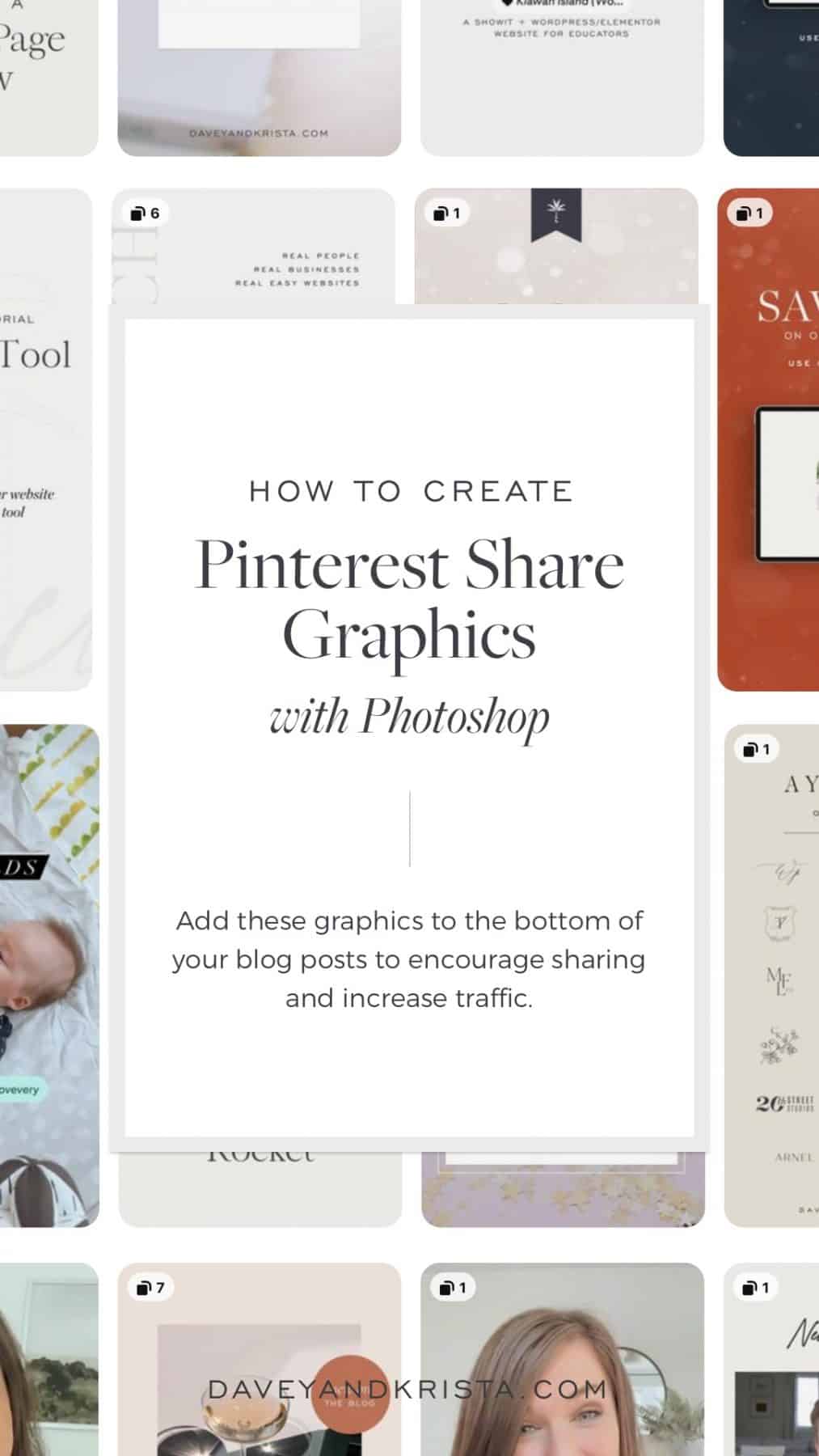
One of the best ways to encourage people to pin your content (and send traffic back to your site) is to create easy to share graphics and insert them at the bottom of your blog post. We do this at the bottom of each of our blog posts. Preview one here.
When it comes to creating these graphics, here are a few tips:
- Make sure you include a catchy, easy to read title on the image itself. That way when people are scrolling through Pinterest, they know what your content is about.
- Follow the 2:3 ratio for image sizes. Ideally, the images that you’re creating should be about 1000×1500 pixels. Think vertically.
- When possible, create idea pins or videos. Pinterest is pushing both of those platforms. In an ideal world, I would recommend creating video idea pins.
Watch the Tutorial

Krista is the co-founder of Davey & Krista, a creative studio known for high-converting Showit website templates crafted for photographers, creatives, and entrepreneurs. With over 15 years of branding and marketing experience, she helps business owners launch stunning websites without the tech overwhelm. Krista also teaches designers how to turn their creative skills into a thriving business—through templates, courses, and behind-the-scenes strategy. When she’s not designing, you’ll find her chasing sunshine, color palettes, and gluten-free pizza.
Explore website templates and free resources at daveyandkrista.com.


VIEW THE COMMENTS
Add A Comment