


What’s one of the most effective ways to reach people in 2022: Podcasting. And a good website can really help when it comes to extending the life of each episode you release.
Note: The resources mentioned in our podcast episode “How to Start a Podcast” can be found at the bottom of this post.
First things first: You have to decide where you want to host your podcast website. This could be on an existing website if you already have one like we do (view our Podcast page). Or alternatively, if you don’t want to go through a lot of the trouble of building a new website, most podcast hosting sites have built-in website options. For instance, we host the Brands that Book website over at Fireside.FM.
This is the place where load our podcast so that it shows up on iTunes, Spotify, and other places where people typically listen to podcasts.
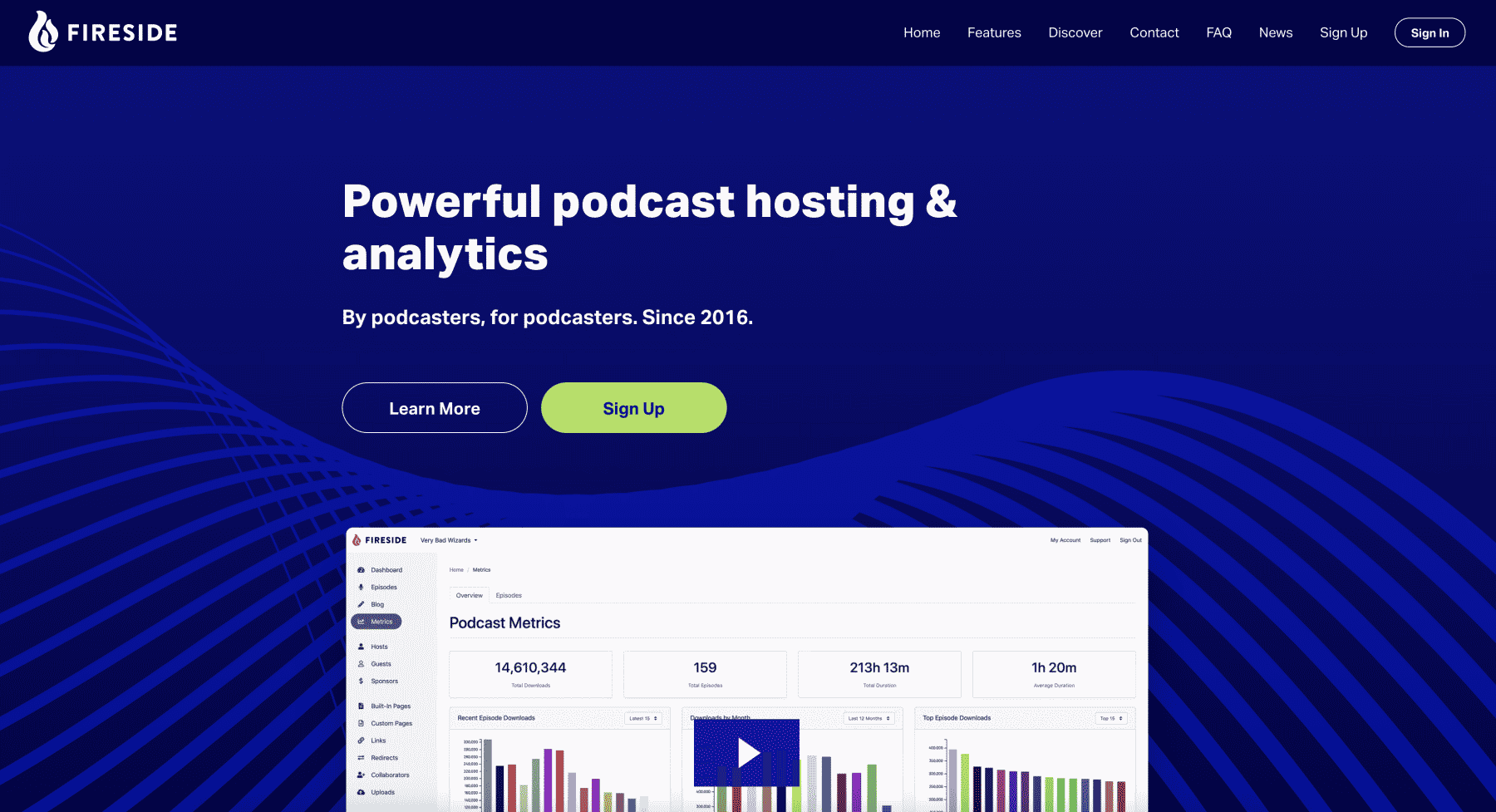
It’s important to choose a hosting platform that provides good metrics. Fireside provides a lot of helpful metrics in their base plan, but even more if you choose one of their more advanced plans.
Fireside makes it easy to create a simple podcasting website. However, we typically recommend people use a true website platform to build their podcasting website. The downside of using a tool like Fireside for building a website is that there are typically far fewer customization options. If you’re looking for lots of customization options, but also want to keep things simple, you’ll want to check out Showit. You can easily get started with a podcasting template like the one we have in our shop.
So, after you’ve figured out where you want to host your website. You’ll want to make sure your podcasting website has these 5 things…
Working Search Bar
First, a working search bar. Yes, I know that’s about as simple as it gets. But when I find a podcast I like, I want to easily search for more related episodes. If you’re using Showit or WordPress, this should be fairly easy to implement. Bonus points if you further organize your episode by categories or topics.

Display & Play The Most Recent Episode
Second, a prominent place to display and play the most recent episode. Podcast players are a dime-a-dozen, but the best one we’ve found is called Fusebox. It’s feature-rich and allows for a lot of customization so that you can make sure your podcast player matches your website.
With something like Fusebox, you’ll be able to link to specific episodes in your show notes or you can show multiple episodes, people can download episodes straight from the player if you prefernd you can even set a call to action that points people to places like your email list.
Fusebox is platform agnostic now which means that it can be embedded into nearly any modern website builder. That means you can use it even if you’re not using Showit or WordPress.
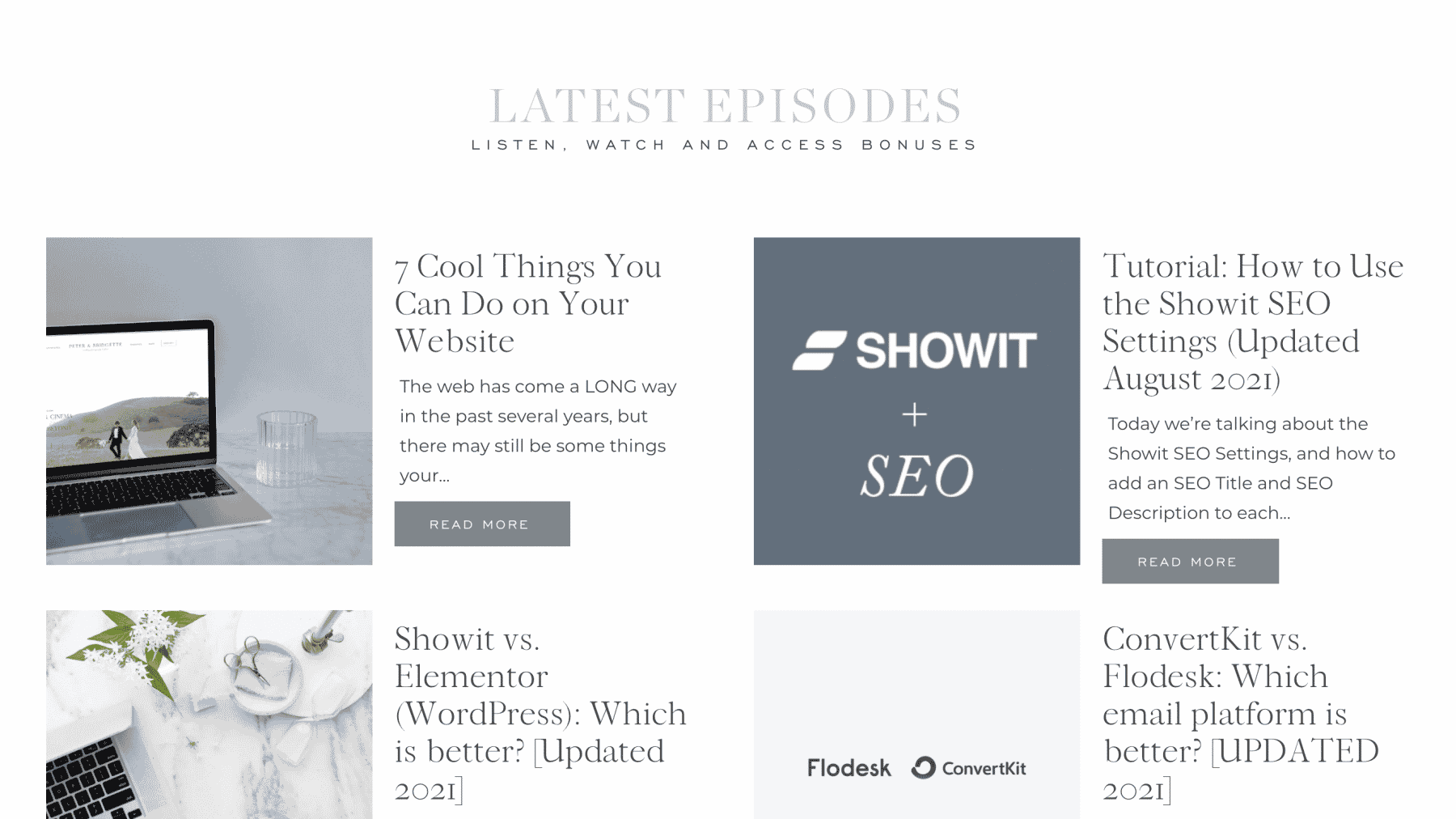
Sponsorship Details & Mailing List Signup
Third, if you’re going to monetize your podcast, you’ll likely want pages for sponsors and affiliate deals that you’d like to promote.
Regardless, you’ll want to create a mailing list, which can really help when it comes to convincing businesses to sponsor your podcast. And again—it’s going to be far easier to build your list using your own website because you’ll have access to more list building tools.
If you’re interested in learning how to get started with lead generation, we have videos on our YouTube channel covering everything from embedding forms on your website to running your first lead generation campaign.
Direct Link to Podcast Platforms
Fourth, a direct link to your podcast link on various platforms. Some people listen to podcast episodes on iTunes, but many also listen on Spotify, Stitcher, etc. I would aim to get your podcast on as many platforms as possible and link to those platforms from your website. That way if someone finds your podcast website and they prefer Spotify to iTunes, they’re a lot more likely to subscribe if you give them a link right to Spotify.
It’s always good to link to iTunes because it’s where most people listen to podcasts. While we appreciate reviews anywhere they’re left, they’re especially helpful on iTunes.
Leave a Review
Fifth, a link to leave a review. Podcasts gain traction when they receive more reviews, so it’s important to continually remind people to leave reviews. When we create pages for podcasts, we like to include a few testimonials on the page and then add a big call to action to leave a review on iTunes. This makes it easy for people to find your podcast and leave feedback.
You can, of course, call people to leave reviews wherever you’d like; however, we find that iTunes is the most popular podcasting platform for many podcasters.
Have more podcasting questions? Drop them in the comments below. Podcasting has never been easier, and if you can get through a little technical set-up in the beginning, it can be a super effective way to reach people.
Other Podcasting Resources:
Be sure to check out our podcast episode with Melissa Guller of Wit & Wire on how to start a podcast. Below you can find some of the resources she mentions in the episode:

Krista is the co-founder of Davey & Krista, a creative studio known for high-converting Showit website templates crafted for photographers, creatives, and entrepreneurs. With over 15 years of branding and marketing experience, she helps business owners launch stunning websites without the tech overwhelm. Krista also teaches designers how to turn their creative skills into a thriving business—through templates, courses, and behind-the-scenes strategy. When she’s not designing, you’ll find her chasing sunshine, color palettes, and gluten-free pizza.
Explore website templates and free resources at daveyandkrista.com.


VIEW THE COMMENTS
Add A Comment